# React CSV importer
> Add CSVJetty to a React application and receive validated imported records in application code.
Canonical HTML: https://www.csvjetty.com/docs/react
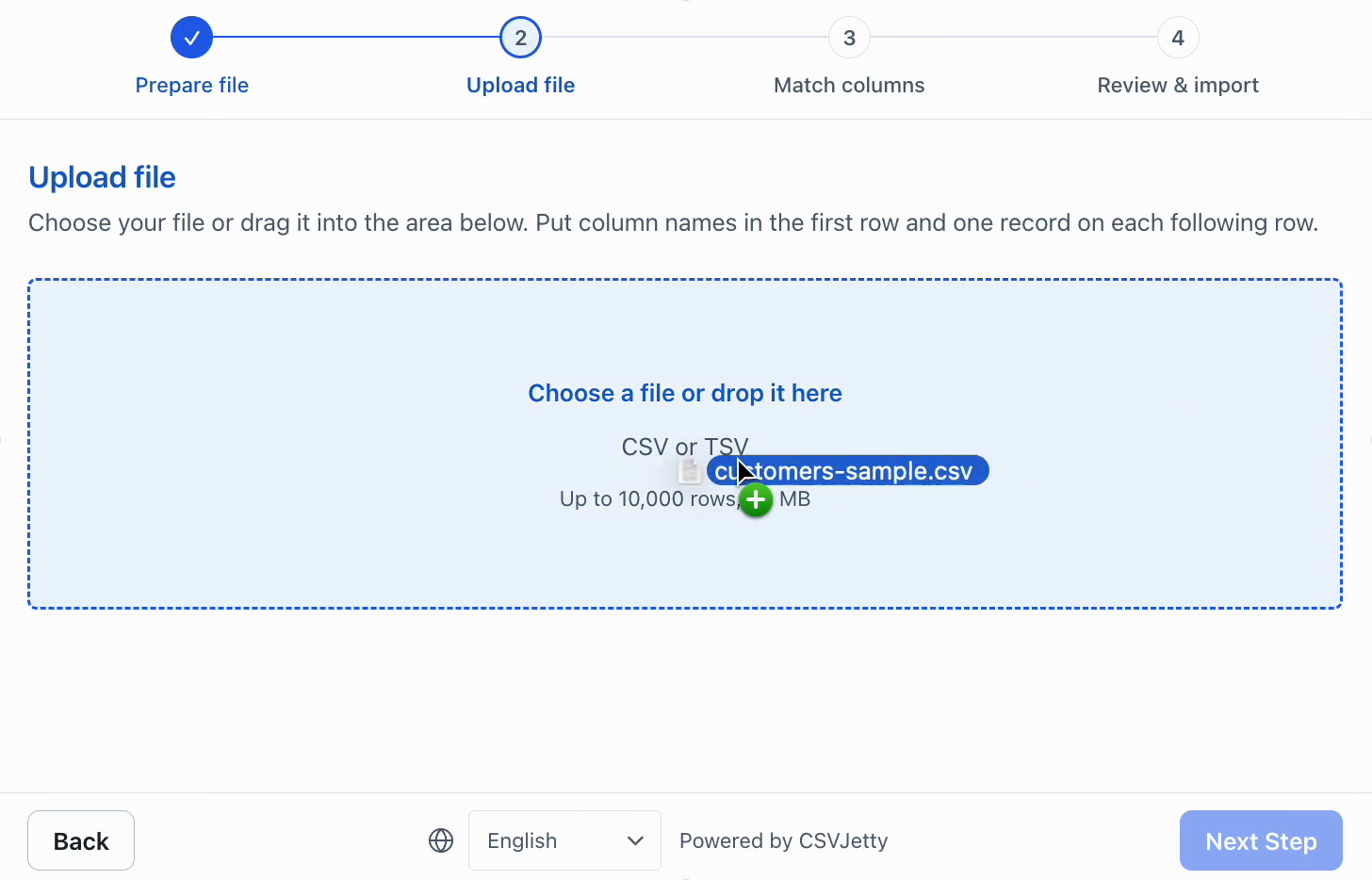
The recording uses older CSV/TSV wording; current supported uploads are CSV files.
## Install
```bash
npm install csvjetty
```
CSVJetty supports React 18 and React 19. Create an importer in the CSVJetty dashboard first so you have an importer key.
## Basic usage
```jsx
import CSVJetty from "csvjetty";
export default function ImportContacts() {
return (
{
console.log(rows);
}}
>
Import contacts
);
}
```
The component renders its children as the launch button. Clicking it opens the importer in a modal without navigating away from the application.
## Save imported records
In production, forward callback data to an authenticated API you control and validate it again on the server.
```jsx
import CSVJetty from "csvjetty";
export default function ImportContacts() {
return (
{
const response = await fetch("/api/contacts/import", {
method: "POST",
headers: { "Content-Type": "application/json" },
body: JSON.stringify({ rows, importId, rowNumbers }),
});
if (!response.ok) {
throw new Error("Could not save contacts.");
}
const body = await response.text();
return body ? JSON.parse(body) : undefined;
}}
onComplete={({ importId, accepted, rejected }) => {
console.log({ importId, accepted, rejected });
}}
>
Import contacts
);
}
```
Make writes idempotent. CSVJetty can retry delivery, so use `importId` together with original row numbers or another stable key to avoid duplicate writes.
## Importer lifecycle
- `onData` runs when callback delivery is ready to save a batch of rows.
- `onComplete` receives `{ importId, accepted, rejected }` when the import completes.
- `onClose` runs when the importer modal closes.
- Throw from `onData` when a batch could not be saved.
- Return row-level errors from `onData` when only specific records should be rejected.
## Requirements
- React 18 or 19.
- A public CSVJetty importer key.
- An `onData` handler when the importer uses callback delivery.
- HTTPS in production; localhost is supported for local development.
See [Component props](https://www.csvjetty.com/docs/reference/component) and [Import payload](https://www.csvjetty.com/docs/reference/import-payload).