Concepts
Importers
Learn what a CSVJetty importer is, which settings it stores, how importer keys work, and when to create separate importers.
An importer is a reusable CSV import configuration. It defines the data your application expects and the experience users see when they import a file.
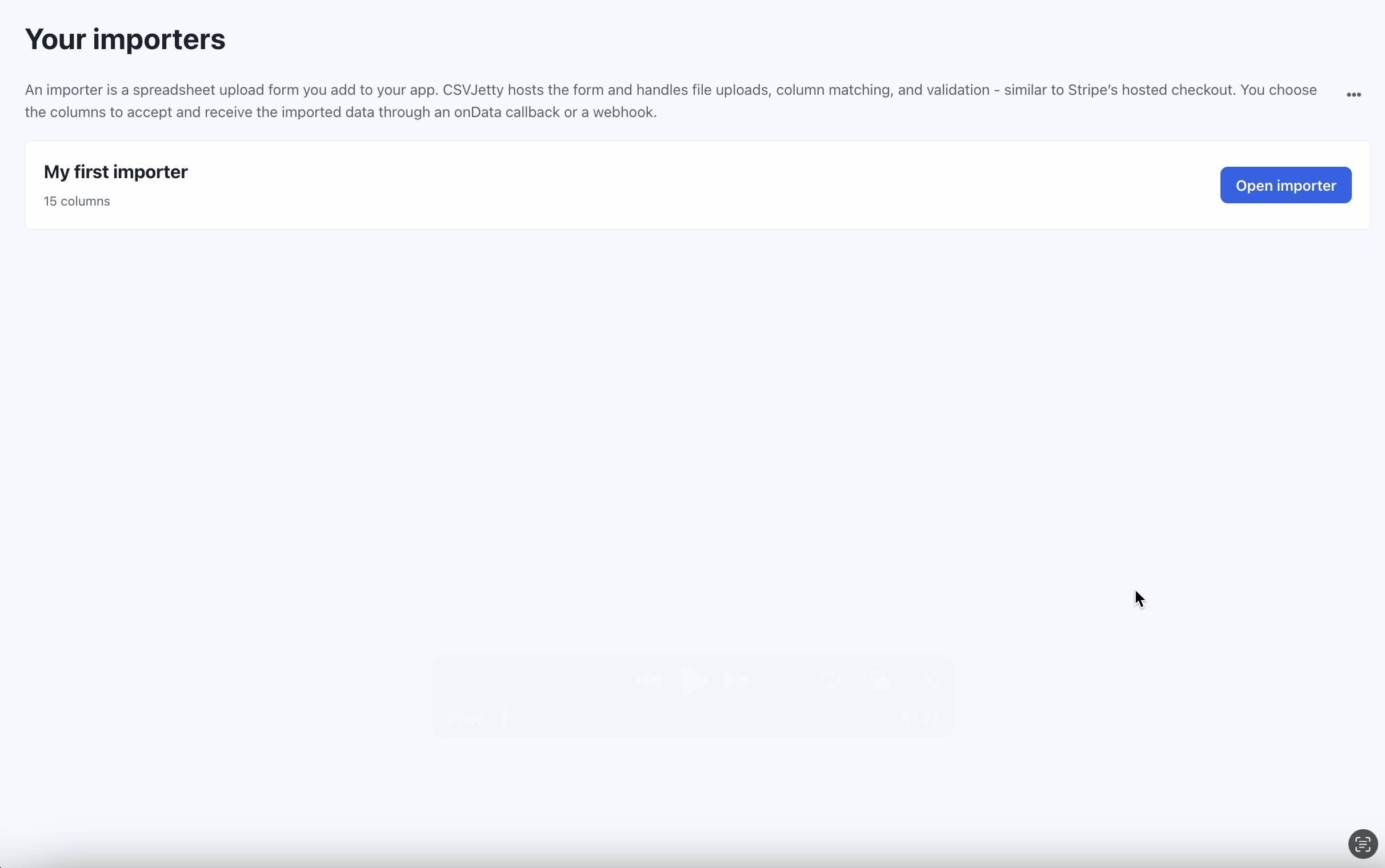
What is an importer?
Create an importer in the CSVJetty dashboard for each distinct kind of data your product accepts. A contacts import and a products import, for example, normally use different importers because they expect different fields.
Your application opens the saved configuration by passing its importer key to the CSVJetty component.
JSX
<CSVJetty importerKey="YOUR_IMPORTER_KEY"> Import contacts</CSVJetty>What an importer stores
- Destination columns, labels, aliases, examples, and field types.
- Invalid-row behavior and unmatched-column behavior.
- Callback or webhook delivery mode.
- Webhook URL and signing configuration when webhooks are enabled.
- Development-mode and presentation settings.
- Language, welcome-message, and display preferences.
See Importer settings for the configurable behavior and Columns for field definitions.
Importer keys
The importer key tells CSVJetty which importer configuration to load. It is a public application identifier, not a credential that grants access to your CSVJetty account.
Do not use the importer key as authentication
One importer or many?
Reuse one importer anywhere the expected record shape and import behavior are the same. Create another importer when the destination schema, delivery endpoint, or user experience needs to be meaningfully different.
- Contacts and contacts in two different screens can usually share an importer.
- Contacts and inventory should normally use separate importers.
- Two products with different webhook endpoints can use separate importers.
Runtime overrides
The dashboard is the normal source of truth for reusable configuration. You can pass a columns prop to replace the saved column definitions for a particular import session.
Column overrides are session-specific