Concepts
Validation and corrections
Understand CSVJetty field validation, required values, type conversion, custom validators, inline corrections, and invalid-row behavior.
Validation checks mapped CSV values before delivery and gives users a chance to fix problems inside the import flow instead of discovering bad records after the import has finished.
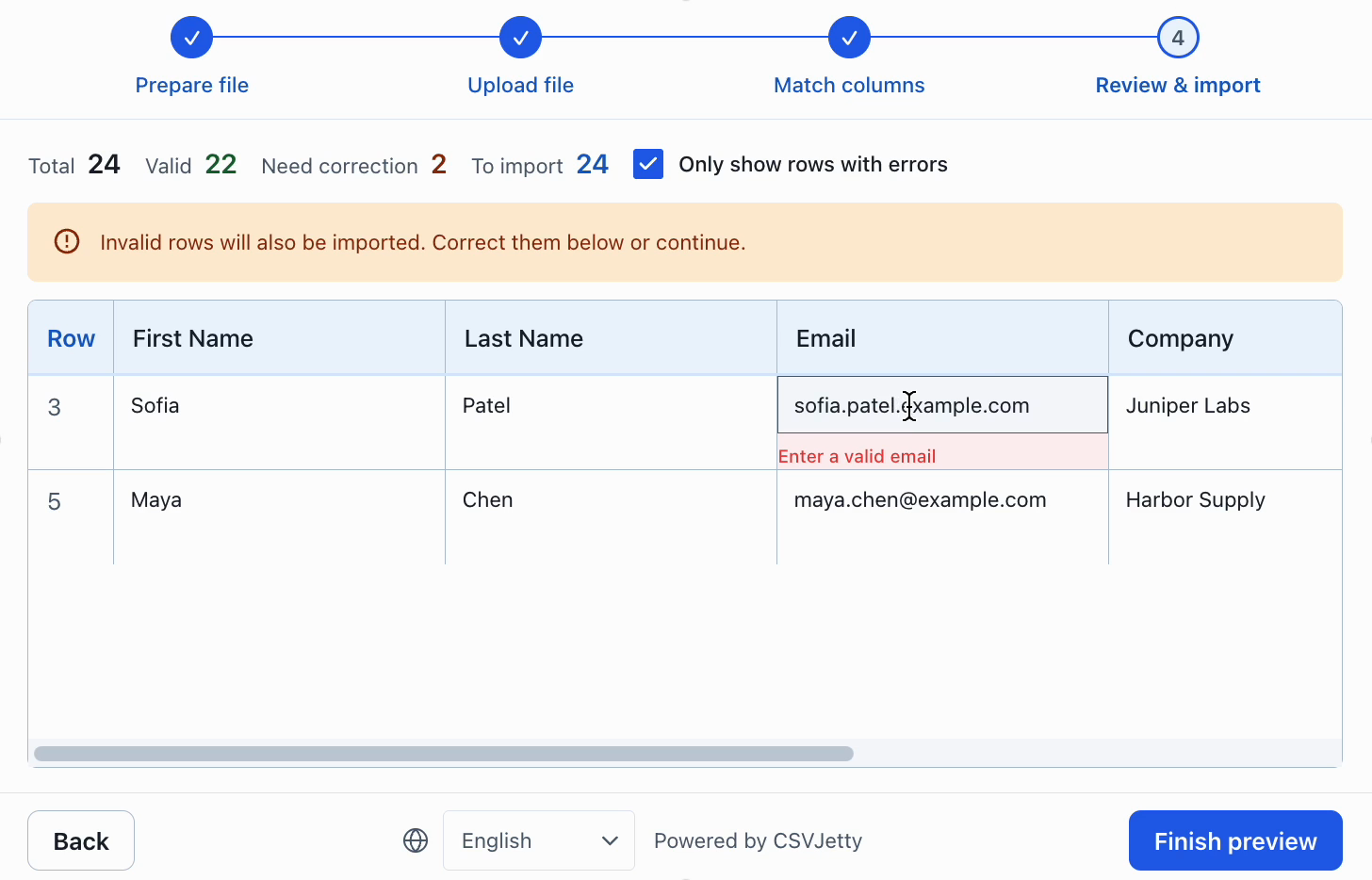
When validation runs
After columns are mapped, CSVJetty validates each mapped row against the configured destination fields. Validation is also refreshed when the user edits a value during review.
Required fields are checked for missing values, and configured field types apply their own format rules.
Built-in validation
CSVJetty includes validation for text, email, number, date, select, phone, URL, currency, boolean, and regex fields. You can also add synchronous custom validators for rules that depend on the current row.
- Dates must be valid
YYYY-MM-DDvalues. - Numbers and currencies are delivered as JavaScript numbers when valid.
- Boolean values accept true/false, yes/no, and 1/0 forms.
- Select values must match one of the configured options.
See Configure columns for the exact column properties and custom validator syntax.
Inline corrections
Validation errors are shown during review so users can correct the source data before import. Editing a cell re-runs validation for the current data.
Custom validators run in your application
Invalid-row behavior
Your importer settings decide whether unresolved validation errors can still be imported.
- Skip invalid rows removes invalid rows from delivery.
- Require valid rows blocks the import while any row is invalid.
- If neither is enabled, the user can continue with rows that still fail validation.
Configure these options under Importer settings.
Validate again on your server
Client-side validation improves the import experience; it is not a security boundary. Treat delivered rows as untrusted input and apply your application's normal server-side authorization, validation, uniqueness, and persistence rules before saving them.
Callback and webhook delivery can both return row-level business-rule errors so the import result can distinguish accepted and rejected records.