CSVJetty vs. building your own CSV importer
Decide whether to use CSVJetty or build a CSV import flow: parsing, mapping, correction, persistence, maintenance, and ownership.
View as MarkdownStart with the import contract
Build your own when a known CSV format and a controlled upload process make the job small, or when full control over hosting and interface behavior is required. Evaluate CSVJetty when customers bring files with variable headers and need to fix invalid data before your application accepts it. A parser covers file syntax; the rest of the workflow needs a design either way.
What you are responsible for
| Requirement | CSVJetty | Build your own |
|---|---|---|
| CSV parsing | Included in the hosted flow; CSV only | Choose and maintain a parser and file acceptance policy |
| Mapping | Automatic matches, aliases and manual selection | Design header matching and a way to resolve ambiguous fields |
| Correction | Editable review table and invalid-row policies | Build cell editing, error navigation and submission rules |
| Persistence | Your application owns authentication, authorization and saving | Your application owns authentication, authorization and saving |
| Hosting | Hosted service required, including callback mode | Can be fully local or self-hosted if designed that way |
| Limits | 20 MB; 10,000 rows free or 20,000 paid; 30 destination fields | Set your own limits and verify memory and runtime behavior |
| Cost | Free: 100 imports/month, 10,000 rows/upload. Paid: $9/month, 500 imports/month, 20,000 rows/upload. | Development, review, testing, hosting and ongoing maintenance; no universal time estimate |
| Interface control | Documented component and schema options | Full control over the implementation |
When a custom implementation is small enough
An internal tool that accepts one exported template may only need a file picker, a parser, a server validation response and a clear result message. If you control every source header and can reject malformed files, an interactive mapping table may add little value. Start with the required workflow instead of building a spreadsheet editor by default.
Write down how to handle commas inside quoted fields, embedded newlines, byte-order marks, empty values, duplicate headers, invalid encodings and oversized files. Use a maintained parser rather than splitting lines and commas yourself. Add format support only when the product needs it.
When the review interface is the work
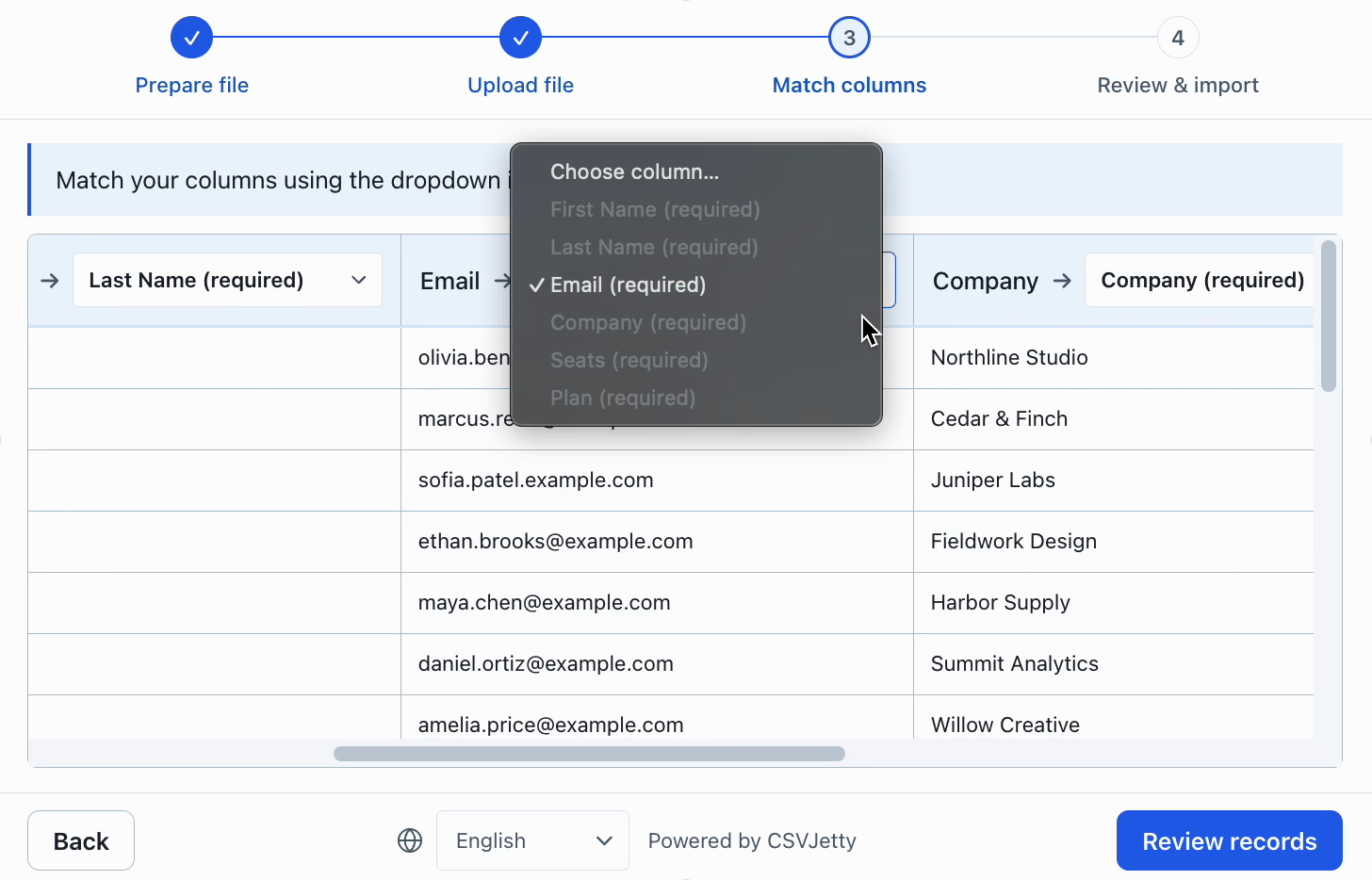
For customer-facing imports, define how users inspect ambiguous matches, find a bad row, edit a value and see what will actually be saved. CSVJetty supplies this review flow. Your application still decides whether duplicates are updates or errors, whether a submission is atomic, and what a retry should do.
CSVJetty callback delivery keeps imported row data out of CSVJetty servers. Configuration and import metadata still use the hosted service. Webhook delivery routes records through CSVJetty. The npm wrapper’s MIT license does not make the hosted importer offline or self-hosted.
Estimate the work you actually need
For a custom implementation, estimate parsing and limits, mapping, correction, delivery, accessibility, testing and maintenance separately. For CSVJetty, estimate integration and vendor review alongside your save endpoint. Do not count backend validation as a saving from buying an importer: it remains necessary with either option.
Keep ownership requirements explicit. If the workflow must operate without a third-party service, use a local or self-hosted implementation. If CSVJetty’s hosted dependency and limits are acceptable, its free plan lets you test the full mapping and correction flow before choosing a paid plan.
Use the same acceptance test for both
Prepare a realistic CSV with an ambiguous heading, a quoted comma, an invalid email, an empty required value and a duplicate record. Require the workflow to show each issue clearly, enforce the chosen invalid-row policy and report backend failures accurately. Then retry the submission and confirm that your save logic does not create duplicate records.
Try the CSVJetty integration
Keep the persistence boundary independent of the importer. That lets you change the upload interface later without rewriting authentication, tenancy or database rules.
Install csvjetty with npm, pnpm, or your existing package manager. Create an importer in the dashboard and select OnData Callback. Pass its public importerKey to the default CSVJetty export and handle onData({ rows }). Keep your existing save endpoint, authentication and tenant authorization. A successful callback means data was delivered to your code; your application must still confirm persistence.
Complete React example and authenticated saving →
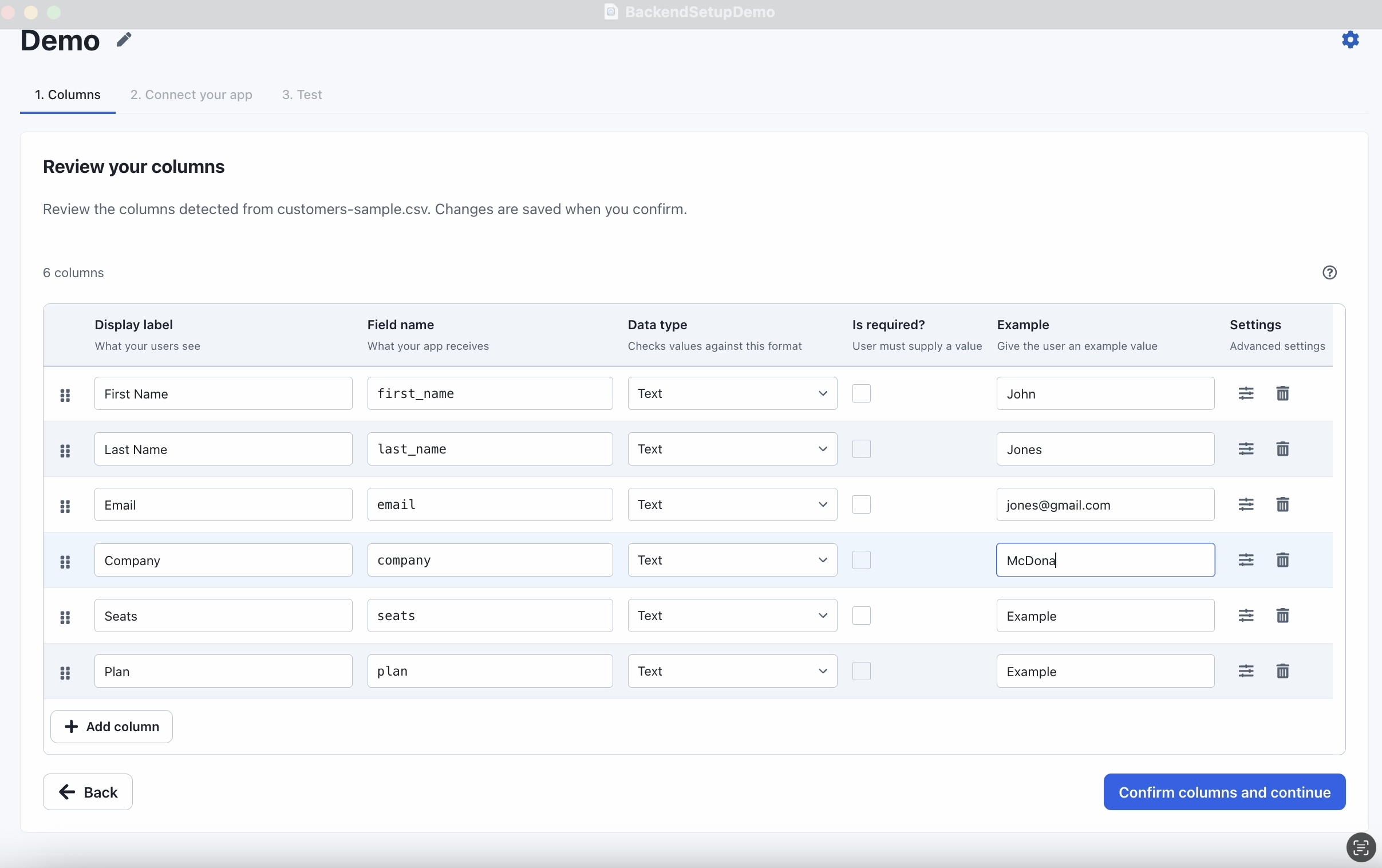
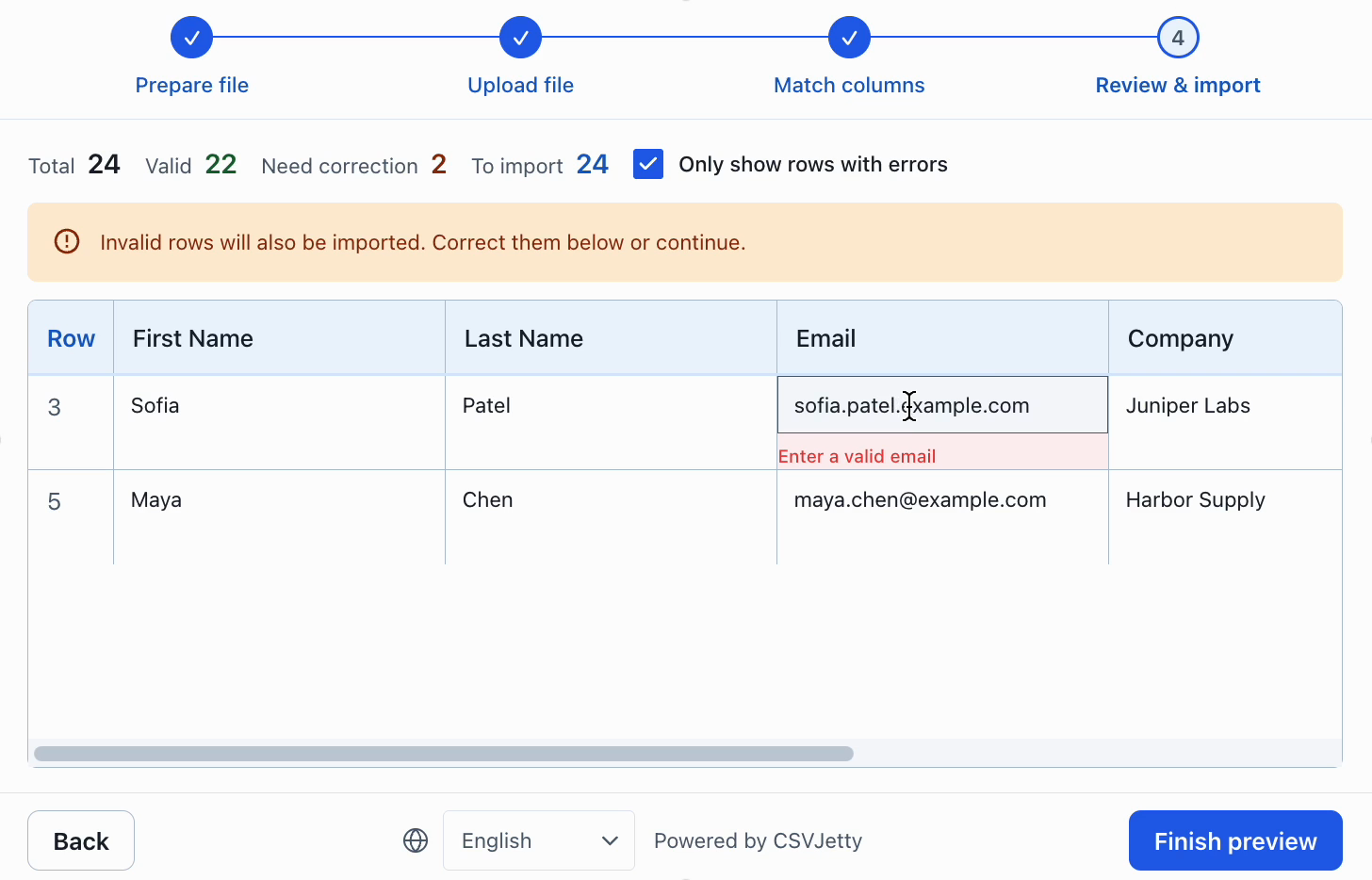
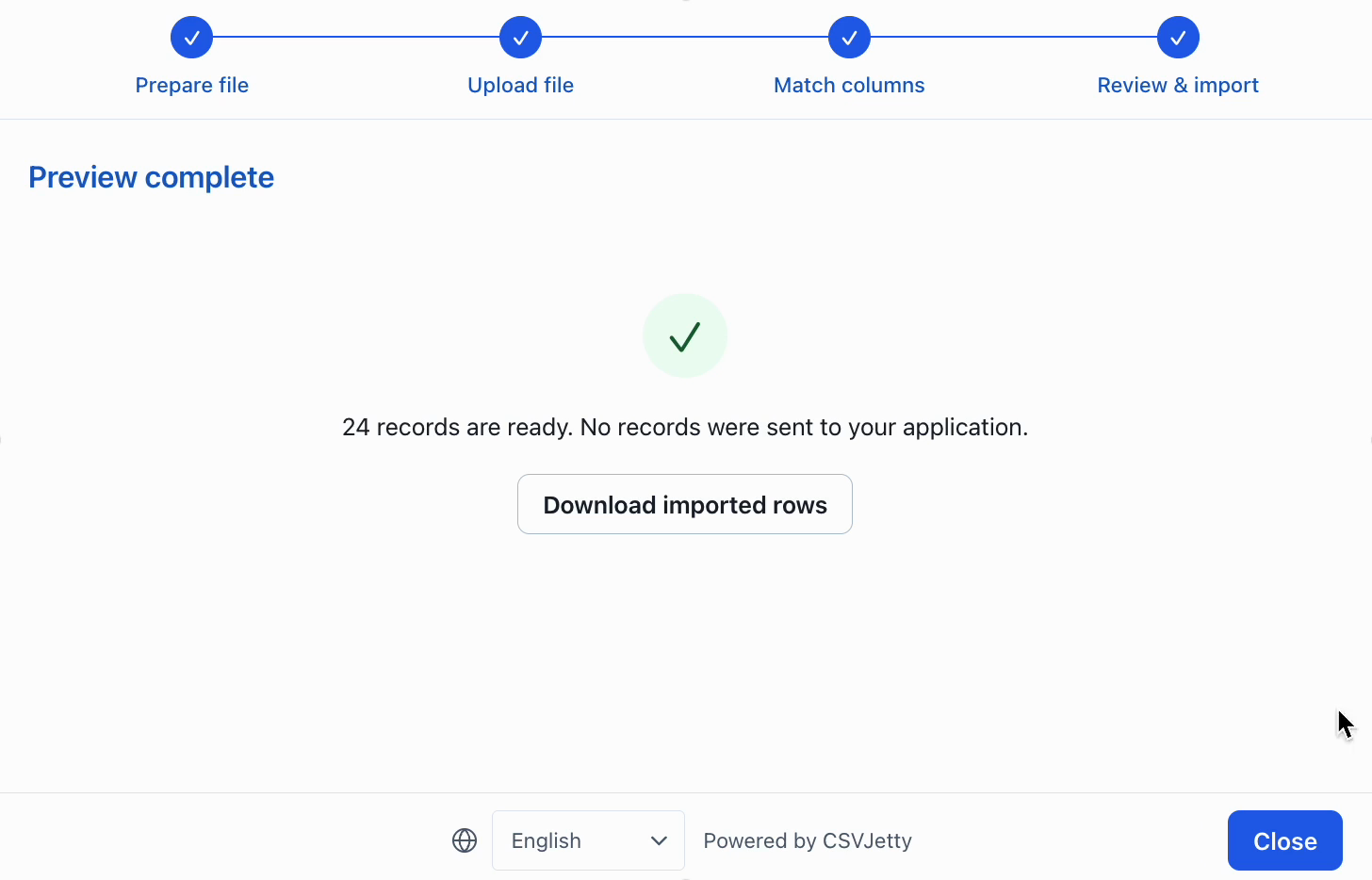
Inspect configuration, correction and preview
Resources
Make the decision against your own import requirements
For a team deciding how much import infrastructure to own, begin with a representative customer file rather than a feature count. Compare custom workflow requirements, maintenance time, failure recovery and accessibility. Use the same valid file, malformed values, renamed headers and duplicate identifiers in each evaluation.
Choose CSVJetty when its hosted React workflow, CSV-only format, current file and row limits, and application-owned persistence fit the job. If a required capability falls outside those boundaries, verify the alternative directly. A cheaper monthly plan does not compensate for a missing required format or an incompatible delivery architecture.
Before migrating, record the current destination field names, aliases, validation rules, invalid-row policy and save-handler contract. Recreate the schema, test row-level errors, and verify both retry behavior and repeat-file duplicate handling. Run the replacement against a test database before switching customers.
Build your importer
Configure the fields your app expects, then connect CSVJetty to your application.
Create an importer →