CSVJetty vs. CSVBox: compare CSV import workflows
Compare CSVJetty and CSVBox on CSV and Excel support, pricing, privacy modes, validation, destinations, and React integration.
View as MarkdownMatch the importer to the destination
CSVJetty fits a React application where your code owns persistence and customers need to map and correct CSV data. CSVBox is worth evaluating when Excel files, higher row limits or its documented destination integrations matter. Both can support browser-side row handling when configured for that path.
Files, delivery and plan allowances
| Requirement | CSVJetty | CSVBox |
|---|---|---|
| Files | CSV only; up to 20 MB | CSV, XLS and XLSX |
| Review workflow | Automatic/manual mapping and editable validation table | Mapping, validation and inline error review |
| Persistence | Application callback or signed webhook; your app saves records | Client-side imports, API/webhook delivery and destination integrations |
| Schema | Dashboard configuration or per-session columns override | Dashboard templates and dynamic schemas |
| Free plan | 100 imports/month; 10,000 rows/upload | Sandbox: 100 imports/month; 5 rows/import |
| Paid entry plan | $9/month; 500 imports/month; 20,000 rows/upload | Startup: $16/month billed yearly; 1,000 imports/month; 10,000 rows/import |
| Higher row allowance | Paid limit: 20,000 rows/upload | Pro: 50,000 rows/import; higher tiers available |
Source: CSVBox pricing and features →
The CSVBox price above is the displayed annual-billing rate, not a month-to-month quote. Compare the billing term, monthly import allowance and per-file row limit together. A larger monthly allowance does not necessarily permit a larger individual file.
Private Mode differs from no storage
CSVJetty callback delivery keeps imported row data out of CSVJetty servers. Configuration and import metadata still use the hosted service. Webhook delivery routes records through CSVJetty. The npm wrapper’s MIT license does not make the hosted importer offline or self-hosted.
CSVBox distinguishes Standard, No Store and Private modes. No Store still processes data through its servers. Private Mode processes rows in the browser, with import metadata still recorded. Follow the documented configuration steps; simply disabling storage does not enable the private data path.
Source: CSVBox Private Mode settings →
For a CSVJetty callback integration, your own save handler chooses the destination. Supabase and Prisma examples show application code, not managed database connectors. Keep database credentials on the server.
Inspect the rows before saving
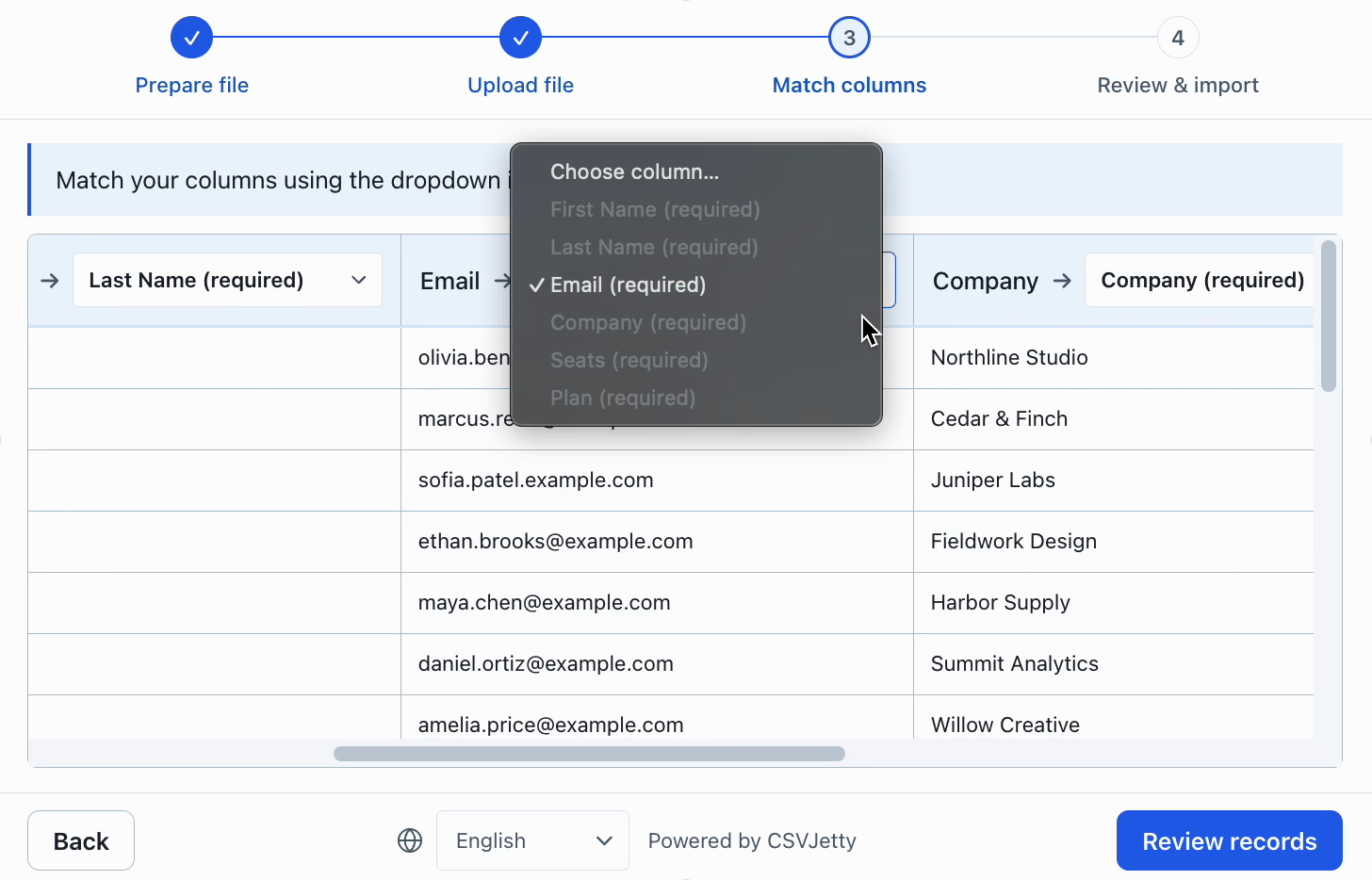
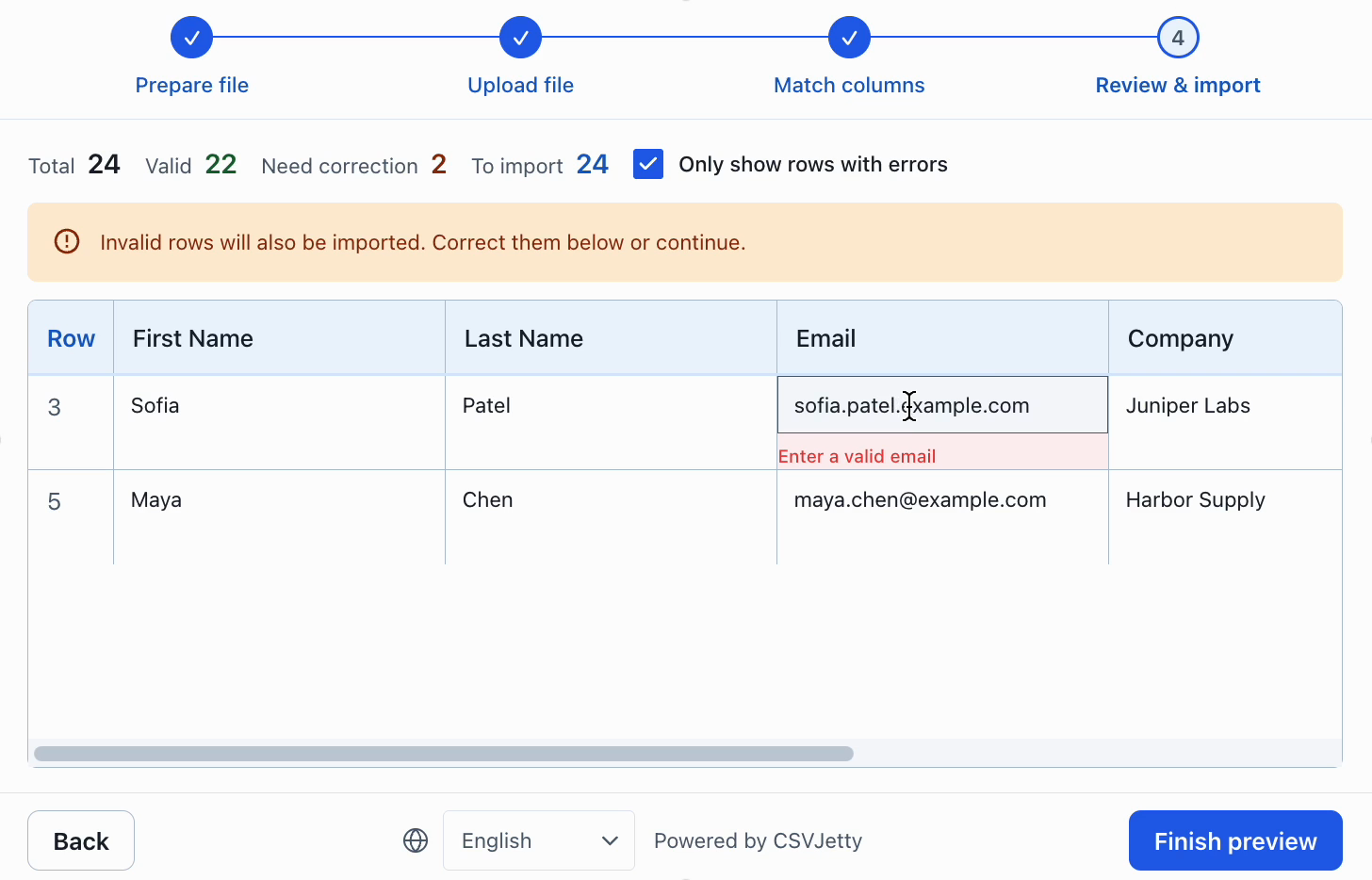
Check how each product handles an invalid email and a source column that does not match your schema. For CSVJetty, enable Require valid rows to block completion until errors are fixed, or use Skip invalid rows if omitting bad records matches your application’s policy.
Try the CSVJetty integration
When replacing CSVBox, inventory the destination configuration, transformations, virtual columns and validation rules first. Recreate only the behavior your application requires, and verify the callback payload and error handling against the new implementation.
Install csvjetty with npm, pnpm, or your existing package manager. Create an importer in the dashboard and select OnData Callback. Pass its public importerKey to the default CSVJetty export and handle onData({ rows }). Keep your existing save endpoint, authentication and tenant authorization. A successful callback means data was delivered to your code; your application must still confirm persistence.
Complete React example and authenticated saving →
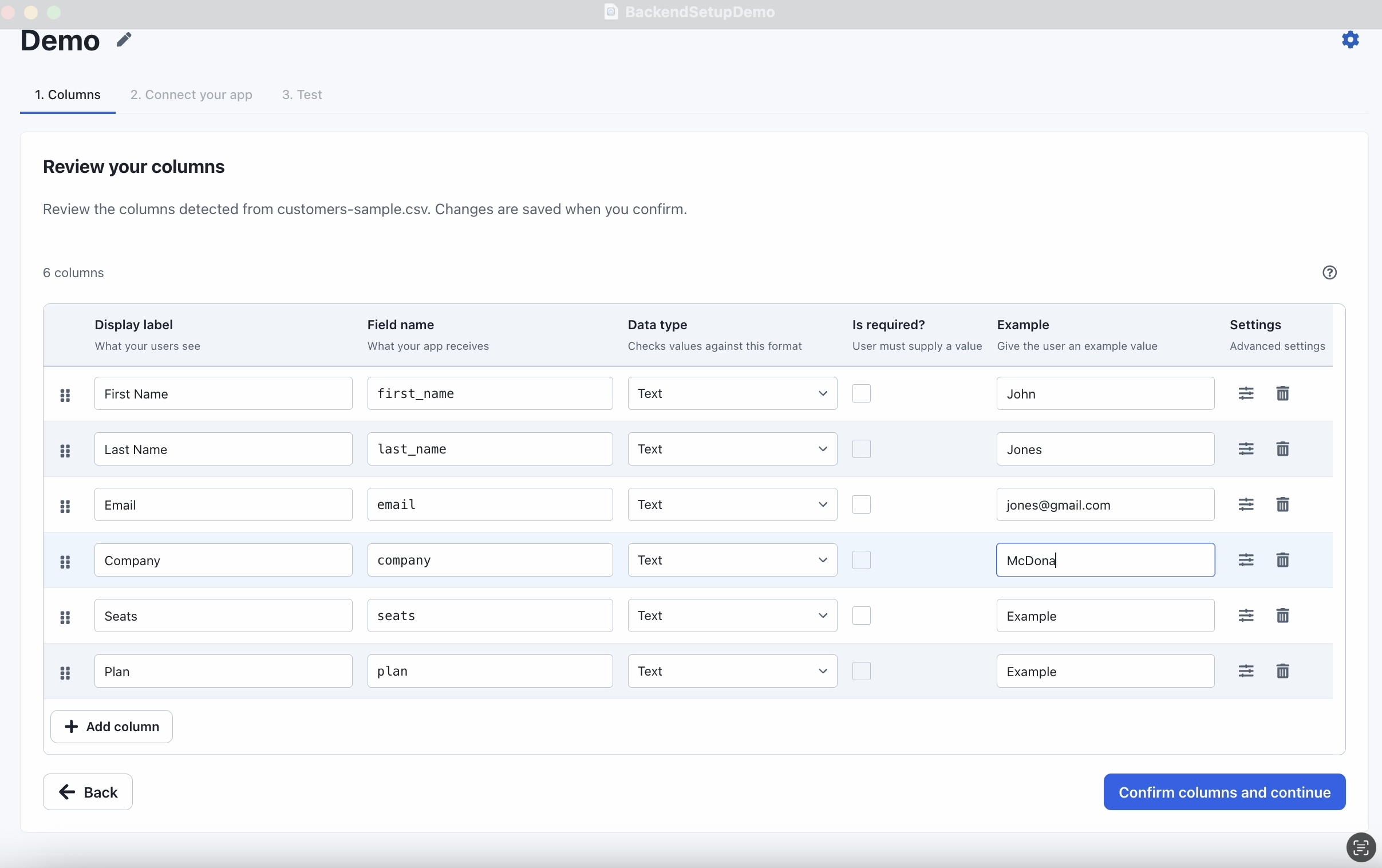
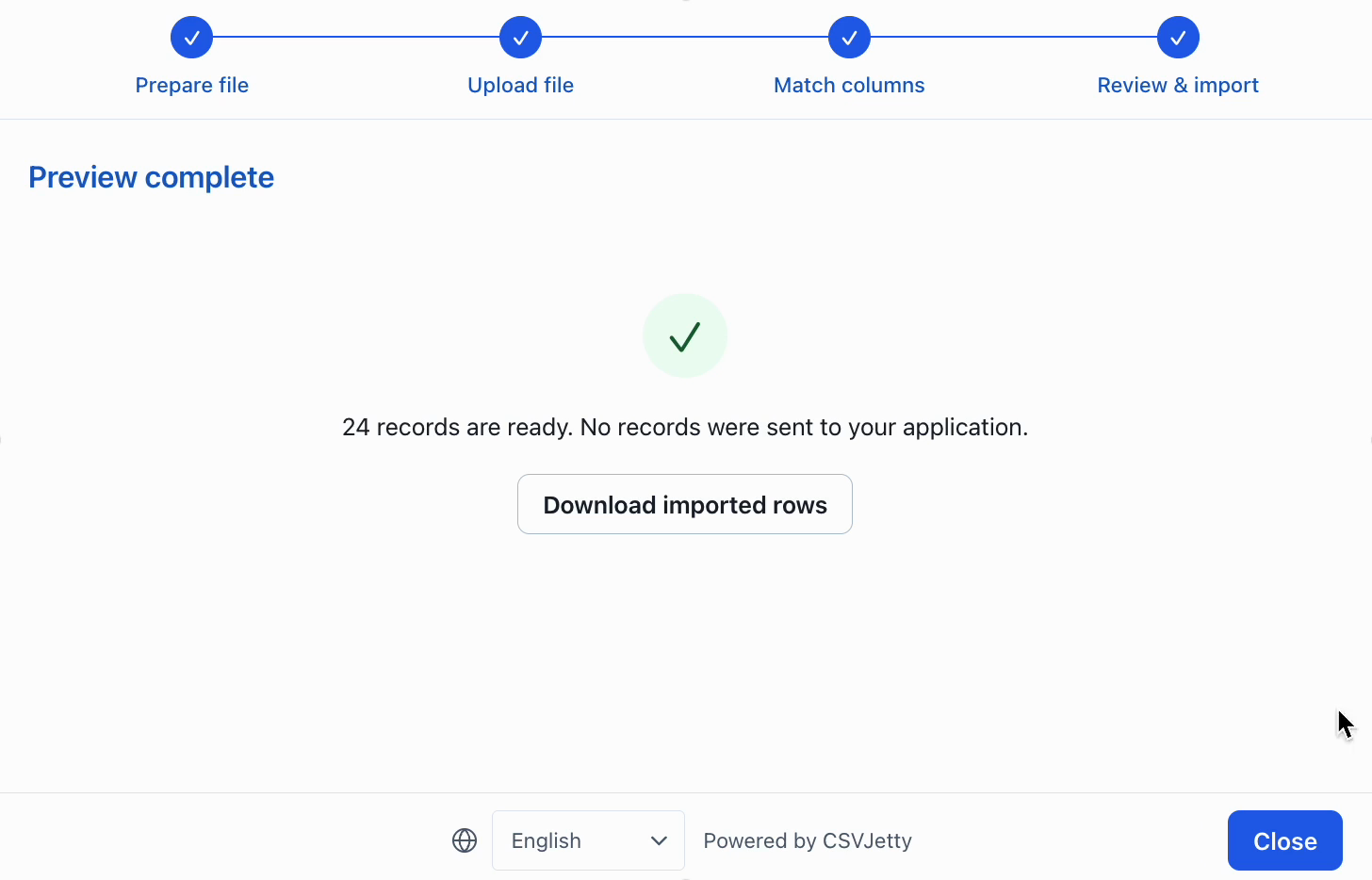
Inspect configuration, correction and preview
Resources
Make the decision against your own import requirements
For an existing application where imported rows must reach a particular backend, begin with a representative customer file rather than a feature count. Compare the available delivery integrations, validation controls and deployment requirements. Use the same valid file, malformed values, renamed headers and duplicate identifiers in each evaluation.
Choose CSVJetty when its hosted React workflow, CSV-only format, current file and row limits, and application-owned persistence fit the job. If a required capability falls outside those boundaries, verify the alternative directly. A cheaper monthly plan does not compensate for a missing required format or an incompatible delivery architecture.
Before migrating, record the current destination field names, aliases, validation rules, invalid-row policy and save-handler contract. Recreate the schema, test row-level errors, and verify both retry behavior and repeat-file duplicate handling. Run the replacement against a test database before switching customers.
Build your importer
Configure the fields your app expects, then connect CSVJetty to your application.
Create an importer →