CSVJetty vs. Dromo: CSV import scope, privacy and pricing
Compare CSVJetty and Dromo on supported files, private browser processing, row limits, pricing, customization, and integration scope.
View as MarkdownChoose for the files and workflow you need
CSVJetty is an option for React CSV imports within a 20 MB file limit and a 20,000-row paid limit. Evaluate Dromo when Excel or TSV, AI-assisted mapping, headless importing or enterprise deployment options are required. A small CSV workflow and a broader spreadsheet onboarding requirement call for different budgets.
Key differences
| Requirement | CSVJetty | Dromo |
|---|---|---|
| Files | CSV only | CSV, Excel and TSV |
| Paid row limit | 20,000 rows/upload; 20 MB file limit | Professional: 100,000 rows; Enterprise lists higher limits |
| Mapping | Automatic header matching, aliases and manual mapping | AI-assisted column mapping |
| Validation and correction | Typed field checks, synchronous custom validators, editable review table | Field validation, hooks and review/correction tools |
| Customization | Schema overrides and documented component options; branding removed on paid | White labeling and brand customization on every plan |
| Headless importing | No headless import API documented | Headless API/SFTP listed for Enterprise |
| Published pricing | Free: 100 imports/month, 10,000 rows/upload. Paid: $9/month, 500 imports/month, 20,000 rows/upload. | Professional: $599/month including 250 imports, then $3/import; Enterprise: custom |
Private browser processing is not exclusive
CSVJetty callback delivery keeps imported row data out of CSVJetty servers. Configuration and import metadata still use the hosted service. Webhook delivery routes records through CSVJetty. The npm wrapper’s MIT license does not make the hosted importer offline or self-hosted.
Dromo documents Private Mode with backendSyncMode set to DISABLED; its Pro SDK uses Private Mode by default. Other synchronization modes share more information, and the headless path processes data on a server. Check the selected configuration rather than assuming every Dromo deployment uses the same data path.
Source: Dromo privacy and synchronization FAQ →
For either product, verify the actual network behavior for your chosen features. A browser-side validation pass does not remove your server’s responsibility to authenticate requests, authorize tenant access and revalidate records.
Test the correction step
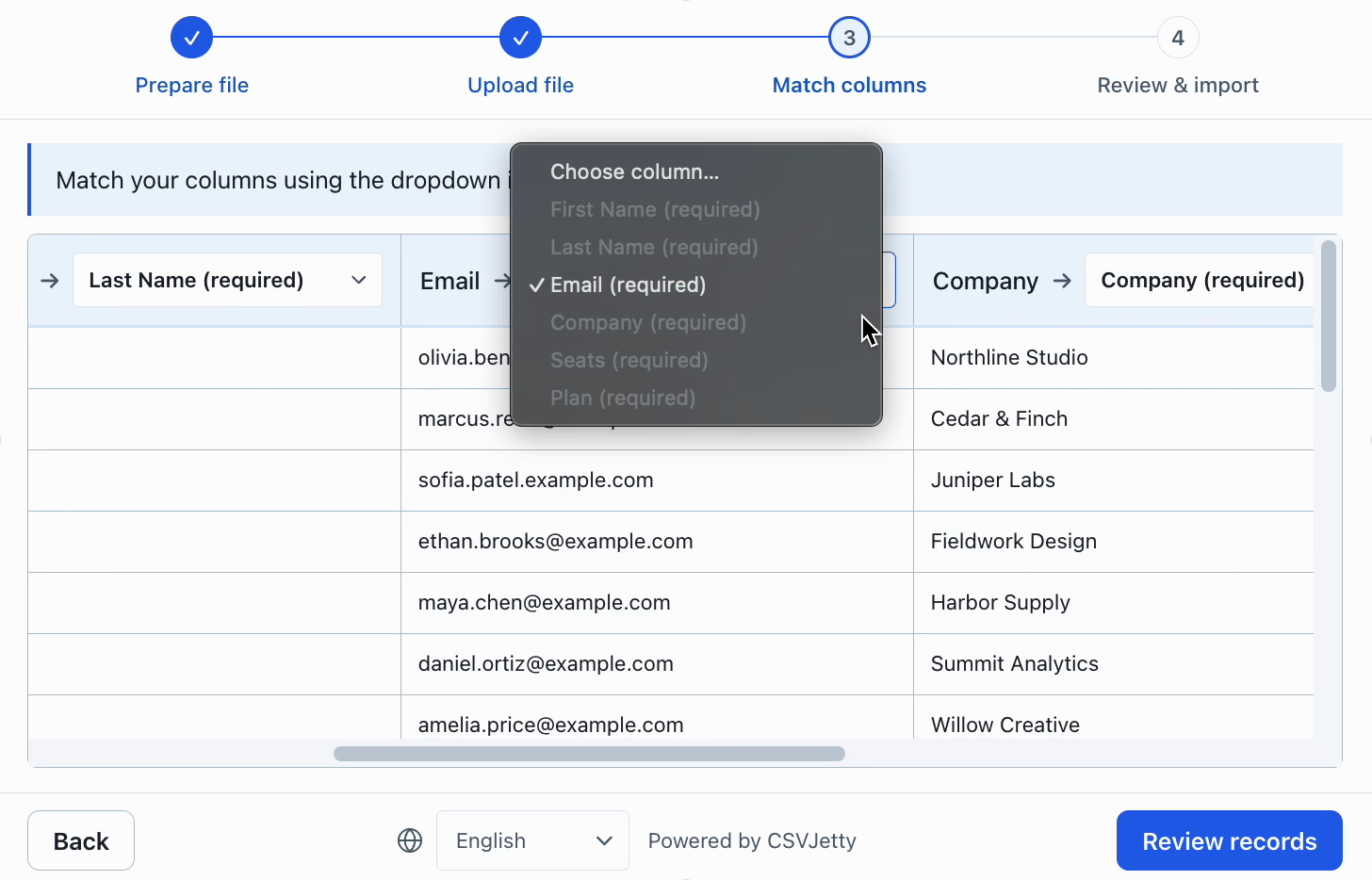
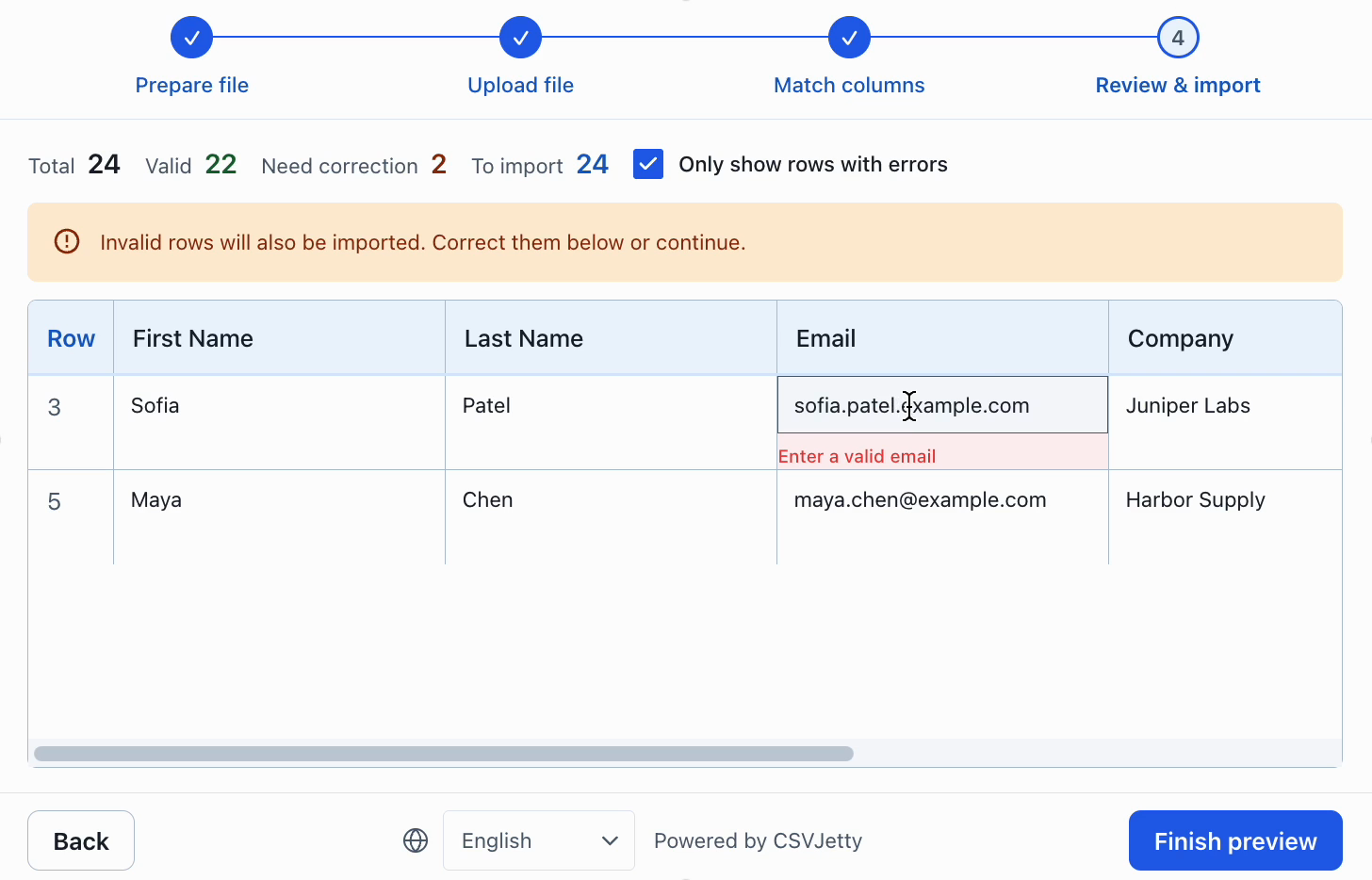
Use the same sample file and the same destination schema when evaluating either importer. Check ambiguous headings, invalid email values, missing required fields and retry behavior. Do not use a clean sample alone to judge an import experience.
Try the CSVJetty integration
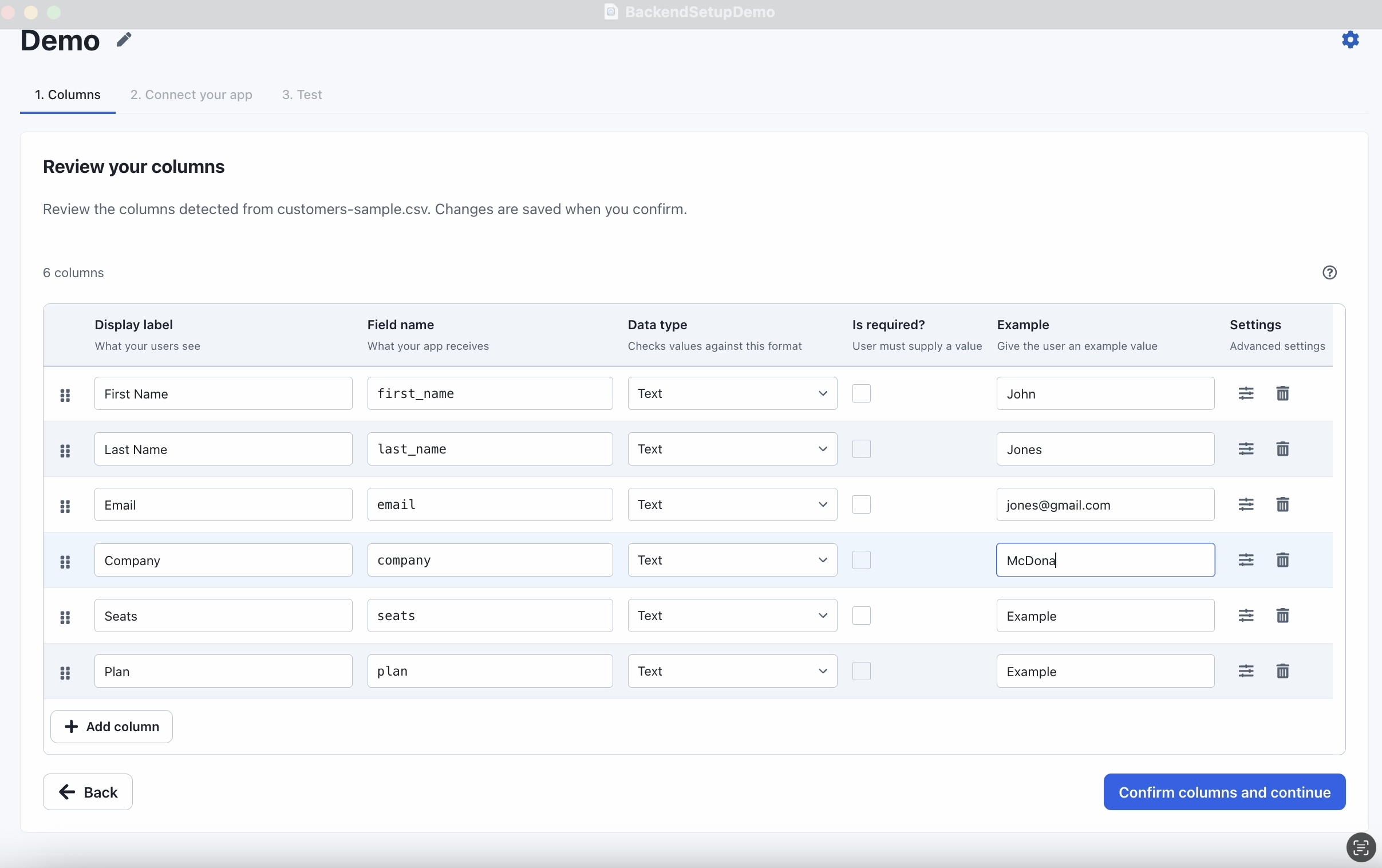
When replacing Dromo, map its fields and hooks to CSVJetty columns and synchronous validators. Workflows using asynchronous checks, AI transformations, custom steps or headless APIs need separate design; do not assume a component swap preserves them.
Install csvjetty with npm, pnpm, or your existing package manager. Create an importer in the dashboard and select OnData Callback. Pass its public importerKey to the default CSVJetty export and handle onData({ rows }). Keep your existing save endpoint, authentication and tenant authorization. A successful callback means data was delivered to your code; your application must still confirm persistence.
Complete React example and authenticated saving →
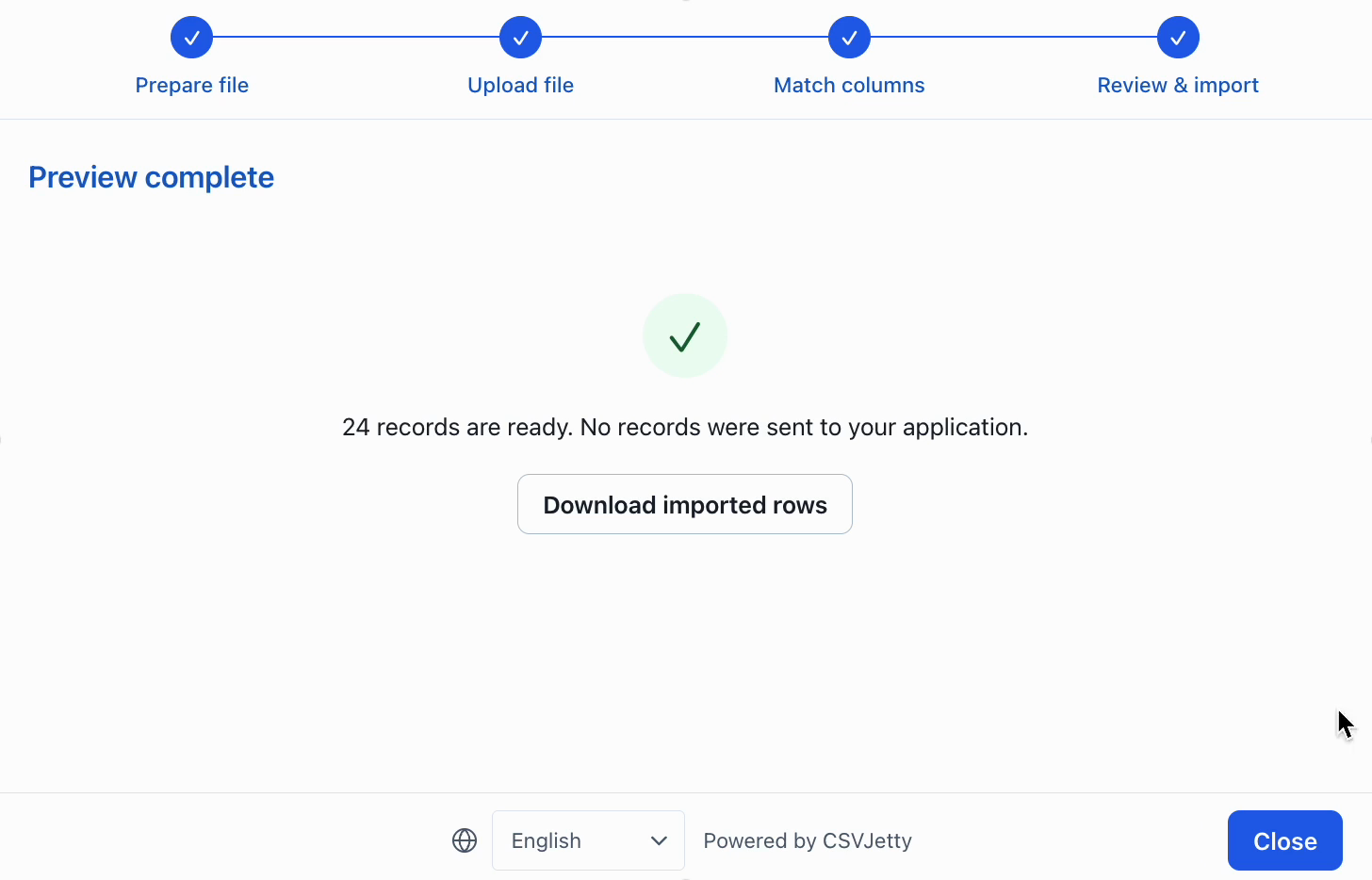
Inspect configuration, correction and preview
Resources
Make the decision against your own import requirements
For a customer-facing upload where mapping and review quality matter, begin with a representative customer file rather than a feature count. Compare supported formats, custom validation, correction behavior and data handling requirements. Use the same valid file, malformed values, renamed headers and duplicate identifiers in each evaluation.
Choose CSVJetty when its hosted React workflow, CSV-only format, current file and row limits, and application-owned persistence fit the job. If a required capability falls outside those boundaries, verify the alternative directly. A cheaper monthly plan does not compensate for a missing required format or an incompatible delivery architecture.
Before migrating, record the current destination field names, aliases, validation rules, invalid-row policy and save-handler contract. Recreate the schema, test row-level errors, and verify both retry behavior and repeat-file duplicate handling. Run the replacement against a test database before switching customers.
Build your importer
Configure the fields your app expects, then connect CSVJetty to your application.
Create an importer →