Troubleshoot a CSVJetty integration
Diagnose missing callbacks, preview-only imports, Next.js client boundaries, field overrides, invalid rows, webhook delivery and duplicate saves.
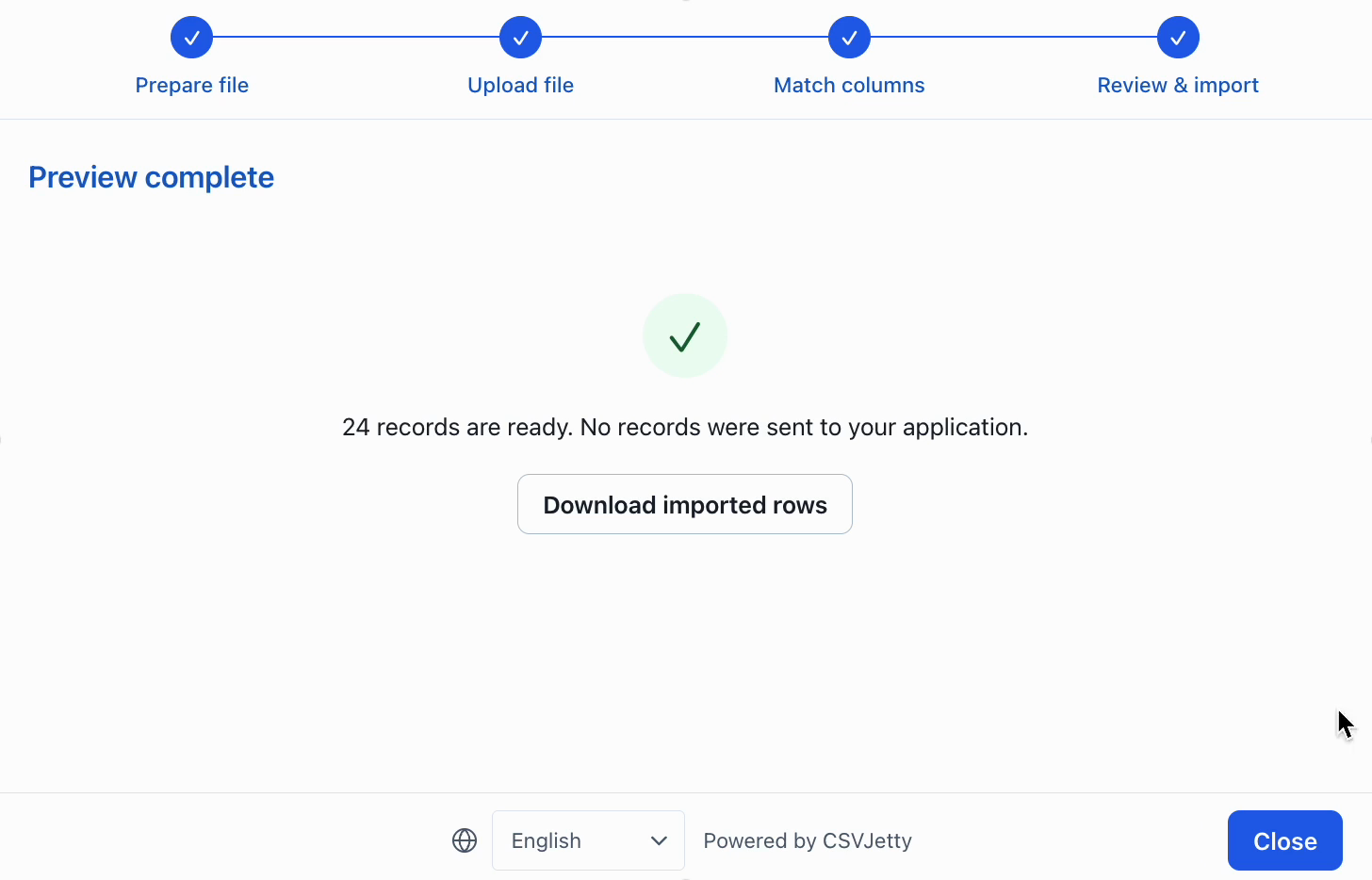
View as MarkdownPreview finished but my application received no records
Dashboard preview does not deliver rows and does not consume your allowance. A preview-complete screen is not proof that your API or database works. Render the npm component in your application with its public importer key and test that flow instead.
onData does not run or saving fails
Confirm the importer uses OnData Callback delivery, the component receives an onData function, and the key identifies the intended importer. In Webhook mode, inspect the configured HTTPS receiver instead. In callback mode, inspect your application API request in browser developer tools. Throw from onData when saving fails; a failed fetch must not be treated as success.
Next.js client boundary or package import errors
Install csvjetty in the application package that renders it. Use import CSVJetty from "csvjetty". In App Router, put the component and callbacks in a file beginning with "use client". Do not pass an event-handler function from a Server Component across the client boundary. Pages Router can use an ordinary page or component.
Dashboard columns differ from the import session
A columns prop replaces the dashboard fields for that session. Remove the prop to use saved fields, or supply the full intended schema. Names must be unique identifiers starting with a letter and containing only letters, digits, or underscores. Select fields need options; regex fields need a valid pattern.
Invalid values still reach my application
Validation messages do not always block submission. Check Skip invalid rows and Require valid rows in the importer settings. If neither behavior is enabled, invalid values may be delivered. Always validate on the server too. Custom validator functions are synchronous; perform database-backed checks in your own API and return row errors with original row numbers.
The file is rejected before mapping
Check that it is a .csv file within 20 MB and the plan row allowance. The supplied parser requires unique, nonempty headers, between 1 and 100 source columns, and a consistent field count. Renaming an XLSX file to .csv does not convert it. Export a real CSV first.
Local testing consumes allowance or delivers live records
Localhost does not automatically enable Development Mode. Enable it in the importer settings. Development imports still deliver records, so use a test backend. Dashboard preview is different: it does not deliver rows.
Retry creates duplicate records
Enforce idempotency in the receiving application. Scope delivery identity to the authenticated account plus importId and original row number; commit success receipts with database writes. For webhooks, verify the signature over the raw body and deduplicate the supplied Idempotency-Key. Distinguish delivery retries from existing business records.
Build your importer
Configure the fields your app expects, then connect CSVJetty to your application.
Create an importer →