Import CSV with Drizzle ORM and PostgreSQL
Build a React CSV import with Drizzle, PostgreSQL transactions, verified authentication, row validation and duplicate-safe inserts.
View as MarkdownFrom reviewed CSV to authenticated inserts
CSVJetty handles the browser upload and review; a Next.js Pages Router API validates every batch, verifies a Supabase Auth token and writes contacts to PostgreSQL through Drizzle ORM.
The database may be separate from Supabase: Supabase supplies identity in this example, while your server connects to the chosen Postgres database. The verified user ID becomes owner_id. Uploaded owner IDs are ignored. This is a per-user contact list; add server-verified organization membership before adapting it to a multi-tenant shared account.
CSVJetty supports React 18/19 and CSV files up to 20 MB. The free plan permits 10,000 rows per upload; paid permits 20,000. Configure at most 30 destination fields. Callback mode keeps row data out of CSVJetty servers while configuration and import metadata still use the hosted service. It is not a fully offline or self-hosted importer.
Set up the database and runtime
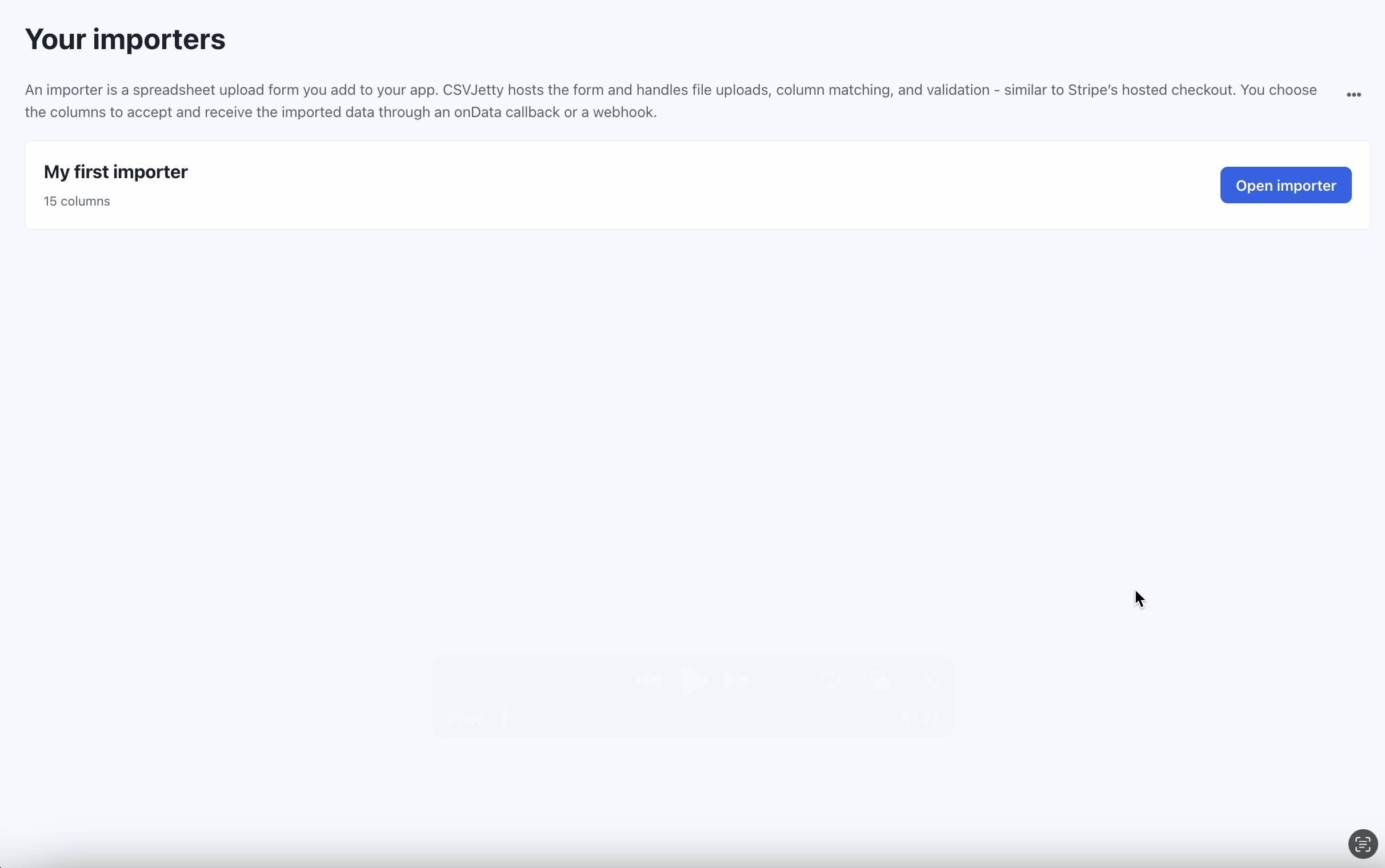
Create an importer in the CSVJetty dashboard, choose OnData Callback, and copy its public importer key. Enable Require valid rows so customers must fix browser validation errors before delivery. Development Mode still calls your save handler; use test data and a test database. Dashboard preview does not deliver rows.
npm install csvjetty pg @supabase/supabase-js drizzle-orm
Keep DATABASE_URL on the server. Reuse the app’s existing Supabase login and browser client. Use a development database or branch for tests. The sample uses the Pages Router API; adapt its handler to the actual server framework rather than pasting a Pages Router file into an App Router-only app.
DATABASE_URL=postgresql://USER:PASSWORD@HOST/DATABASE?sslmode=require
NEXT_PUBLIC_SUPABASE_URL=https://YOUR_PROJECT.supabase.co
NEXT_PUBLIC_SUPABASE_PUBLISHABLE_KEY=YOUR_PUBLISHABLE_KEY
Define the contact table
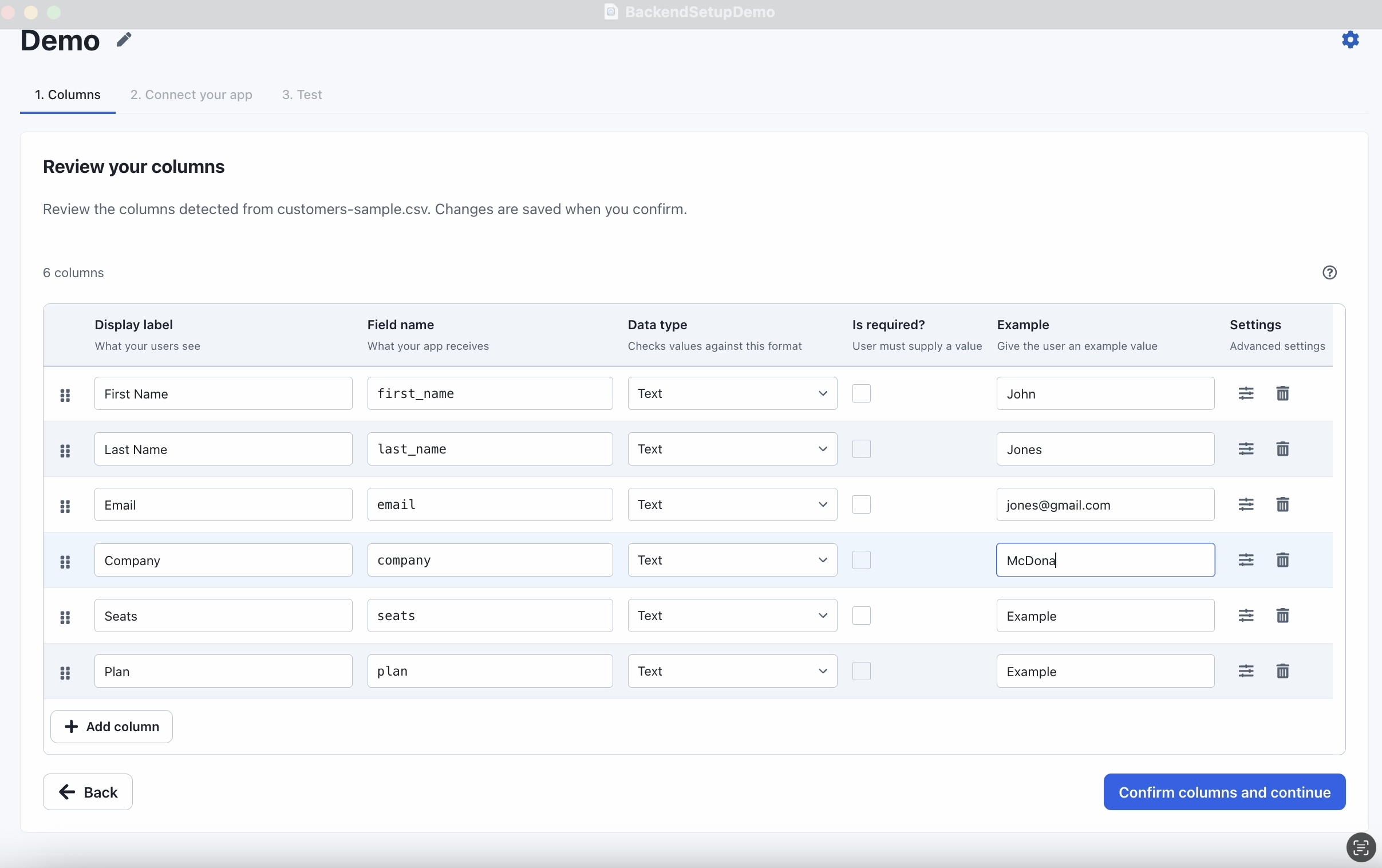
Apply this migration once. A unique owner/email pair enforces business deduplication across retries and concurrent requests. The examples normalize emails to lowercase. The database constraints independently reject blank names, malformed emails and excessive lengths.
File: sql/contacts.sql
-- Run once in a development Supabase project; use migrations for production.
-- This example uses a separate table so it does not alter existing app tables.
create table csvjetty_contacts (
  id uuid primary key default gen_random_uuid(),
  owner_id uuid not null,
  name text not null check (length(name) between 1 and 200 and name = btrim(name)),
  email text not null check (
    length(email) between 3 and 254 and email = lower(btrim(email)) and
    email ~ '^[^[:space:]@]+@[^[:space:]@]+[.][^[:space:]@]+$'
  ),
  company text not null default '' check (length(company) <= 200),
  created_at timestamptz not null default now(),
  unique (owner_id, email)
);
Validate and save through the server
These files implement the complete endpoint and shared validator. A request may contain at most 1,000 rows with their original record numbers. Invalid rows are reported without saving them. Valid rows are deduplicated by normalized email, then written in 250-row statements inside one transaction for that API request.
Download all example files (ZIP) →
File: lib/csvjetty-example/schema.js
import { pgTable, uuid, text, timestamp, uniqueIndex } from "drizzle-orm/pg-core";

export const csvjettyContacts = pgTable("csvjetty_contacts", {
  id: uuid("id").defaultRandom().primaryKey(),
  ownerId: uuid("owner_id").notNull(),
  name: text("name").notNull(),
  email: text("email").notNull(),
  company: text("company").notNull().default(""),
  createdAt: timestamp("created_at", { withTimezone: true }).notNull().defaultNow(),
}, table => [uniqueIndex("csvjetty_contacts_owner_email").on(table.ownerId, table.email)]);
File: lib/csvjetty-example/db.js
// Server only. Reuse an existing application pool when one is already configured.
import { Pool } from "pg";
import { drizzle } from "drizzle-orm/node-postgres";
const pool = globalThis.csvjettyExamplePool ?? new Pool({
  connectionString: process.env.DATABASE_URL,
  max: 3,
});
if (process.env.NODE_ENV !== "production") globalThis.csvjettyExamplePool = pool;
export const db = drizzle(pool);
File: lib/csvjetty-example/contact-batch.js
// Shared by the browser and server examples. No database credentials belong here.
export function validateContactBatch(payload) {
  if (!payload || !Array.isArray(payload.rows) ||
      payload.rows.length < 1 || payload.rows.length > 1000 ||
      !Array.isArray(payload.rowNumbers) ||
      payload.rows.length !== payload.rowNumbers.length ||
      payload.rowNumbers.some(n => !Number.isSafeInteger(n) || n < 1) ||
      new Set(payload.rowNumbers).size !== payload.rowNumbers.length) {
    throw new Error("Send 1–1,000 rows with their original record numbers.");
  }
  const accepted = [];
  const errors = [];
  for (let index = 0; index < payload.rows.length; index += 1) {
    const row = payload.rows[index];
    const name = typeof row?.name === "string" ? row.name.trim() : "";
    const email = typeof row?.email === "string" ? row.email.trim().toLowerCase() : "";
    const company = row?.company == null ? "" :
      typeof row.company === "string" ? row.company.trim() : null;
    const sourceRow = payload.rowNumbers[index];
    if (!name || name.length > 200 || email.length > 254 ||
        !/^[^\s@]+@[^\s@]+\.[^\s@]+$/.test(email) ||
        company === null || company.length > 200) {
      errors.push({ row: sourceRow, message: "Enter a name, a valid email and a company of at most 200 characters." });
    } else {
      accepted.push({ name, email, company, sourceRow });
    }
  }
  return { accepted, errors };
}

// First occurrence wins within a batch. The database handles conflicts across batches.
export function distinctContacts(rows) {
  const unique = new Map();
  for (const row of rows) if (!unique.has(row.email)) unique.set(row.email, row);
  return [...unique.values()];
}
File: pages/api/csvjetty-contacts.js
// pages/api/csvjetty-contacts.js (Next.js Pages Router)
import { createClient } from "@supabase/supabase-js";
import { db } from "../../lib/csvjetty-example/db";
import { csvjettyContacts } from "../../lib/csvjetty-example/schema";
import { distinctContacts, validateContactBatch } from "../../lib/csvjetty-example/contact-batch";

export const config = { api: { bodyParser: { sizeLimit: "2mb" } } };

export default async function handler(req, res) {
  res.setHeader("Cache-Control", "no-store");
  if (req.method !== "POST") {
    res.setHeader("Allow", "POST");
    return res.status(405).json({ error: "Use POST." });
  }
  const token = /^Bearer (\S+)$/.exec(req.headers.authorization || "")?.[1];
  if (!token) return res.status(401).json({ error: "Sign in first." });
  try {
    const auth = createClient(process.env.NEXT_PUBLIC_SUPABASE_URL,
      process.env.NEXT_PUBLIC_SUPABASE_PUBLISHABLE_KEY,
      { auth: { persistSession: false, autoRefreshToken: false } });
    const { data: { user }, error } = await auth.auth.getUser(token);
    if (error || !user) return res.status(401).json({ error: "Sign in again." });
    let batch;
    try { batch = validateContactBatch(req.body); }
    catch (issue) { return res.status(400).json({ error: issue.message }); }
    const contacts = distinctContacts(batch.accepted);
    const savedCount = await db.transaction(async tx => {
      let count = 0;
      for (let offset = 0; offset < contacts.length; offset += 250) {
        const saved = await tx.insert(csvjettyContacts)
          .values(contacts.slice(offset, offset + 250).map(({ sourceRow, ...row }) => ({
            ...row, ownerId: user.id,
          })))
          .onConflictDoNothing({ target: [csvjettyContacts.ownerId, csvjettyContacts.email] })
          .returning({ id: csvjettyContacts.id });
        count += saved.length;
      }
      return count;
    });
    return res.status(200).json({ savedCount, errors: batch.errors });
  } catch {
    return res.status(500).json({ error: "Could not save contacts. Retry this batch." });
  }
}
Connect the React component
Pass your existing signed-in Supabase browser client into this component. It refreshes its local session token for each request and forwards original row numbers. Your server verifies the bearer token using getUser; a user-supplied owner ID never authorizes a write.
File: components/DatabaseContactImport.jsx
"use client";
import { useState } from "react";
import CSVJetty from "csvjetty";

export default function DatabaseContactImport({ supabase, importerKey = "YOUR_IMPORTER_KEY" }) {
  const [status, setStatus] = useState("");
  return (
    <section>
      <CSVJetty
        importerKey={importerKey}
        accentColor="#2563eb"
        columns={[
          { name: "name", label: "Full name", type: "text", required: true },
          { name: "email", label: "Email", type: "email", required: true },
          { name: "company", label: "Company", type: "text" },
        ]}
        onData={async payload => {
          const errors = [];
          let savedCount = 0;
          for (let offset = 0; offset < payload.rows.length; offset += 1000) {
            const { data: { session } } = await supabase.auth.getSession();
            if (!session) throw new Error("Sign in before importing.");
            const response = await fetch("/api/csvjetty-contacts", {
              method: "POST",
              headers: { "Content-Type": "application/json", Authorization: `Bearer ${session.access_token}` },
              body: JSON.stringify({
                rows: payload.rows.slice(offset, offset + 1000),
                rowNumbers: payload.rowNumbers.slice(offset, offset + 1000),
              }),
            });
            const result = await response.json();
            if (!response.ok) throw new Error(result.error || "Could not save records.");
            errors.push(...result.errors);
            savedCount += result.savedCount;
          }
          setStatus(`Last acknowledged callback: ${savedCount} new contacts, ${errors.length} rejected rows. Existing email addresses were skipped.`);
          return { errors };
        }}
      >Import contacts</CSVJetty>
      <p role="status">{status}</p>
    </section>
  );
}
For example, render <DatabaseContactImport supabase={supabase} importerKey="YOUR_IMPORTER_KEY" /> inside your existing browser screen. The parent already owns the authenticated Supabase client. Do not import pg or a database module into this component.
What commits, what retries and what the count means
An API request commits all its valid inserts together. A failure rolls back that request. A callback larger than 1,000 rows is split into several API requests, and earlier requests remain committed if a later request fails. Retrying fills missing contacts because ON CONFLICT DO NOTHING preserves existing owner/email pairs.
The endpoint counts returned inserted IDs, not submitted rows. Duplicate rows can be accepted by the importer but skipped by the database. The displayed count covers the last acknowledged callback, not a durable whole-import total. A lost successful response can therefore be followed by a retry that reports zero newly inserted records.
For update-in-place behavior, design an explicit conflict-update policy and protect concurrent edits. For an all-or-nothing whole-file import, use a staged import and a separate commit step. These examples deliberately do not promise either behavior.
Verify the database, not only the modal
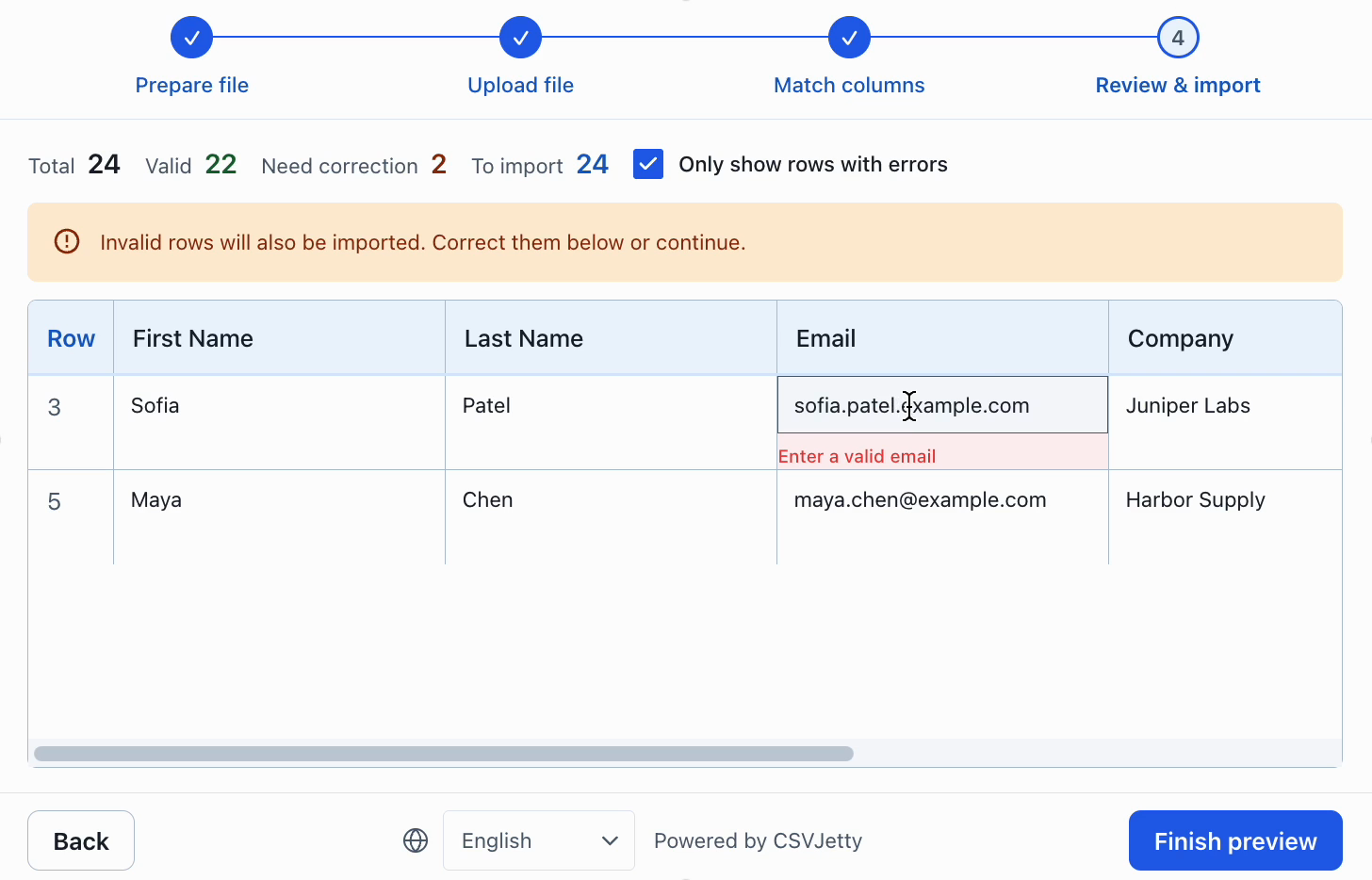
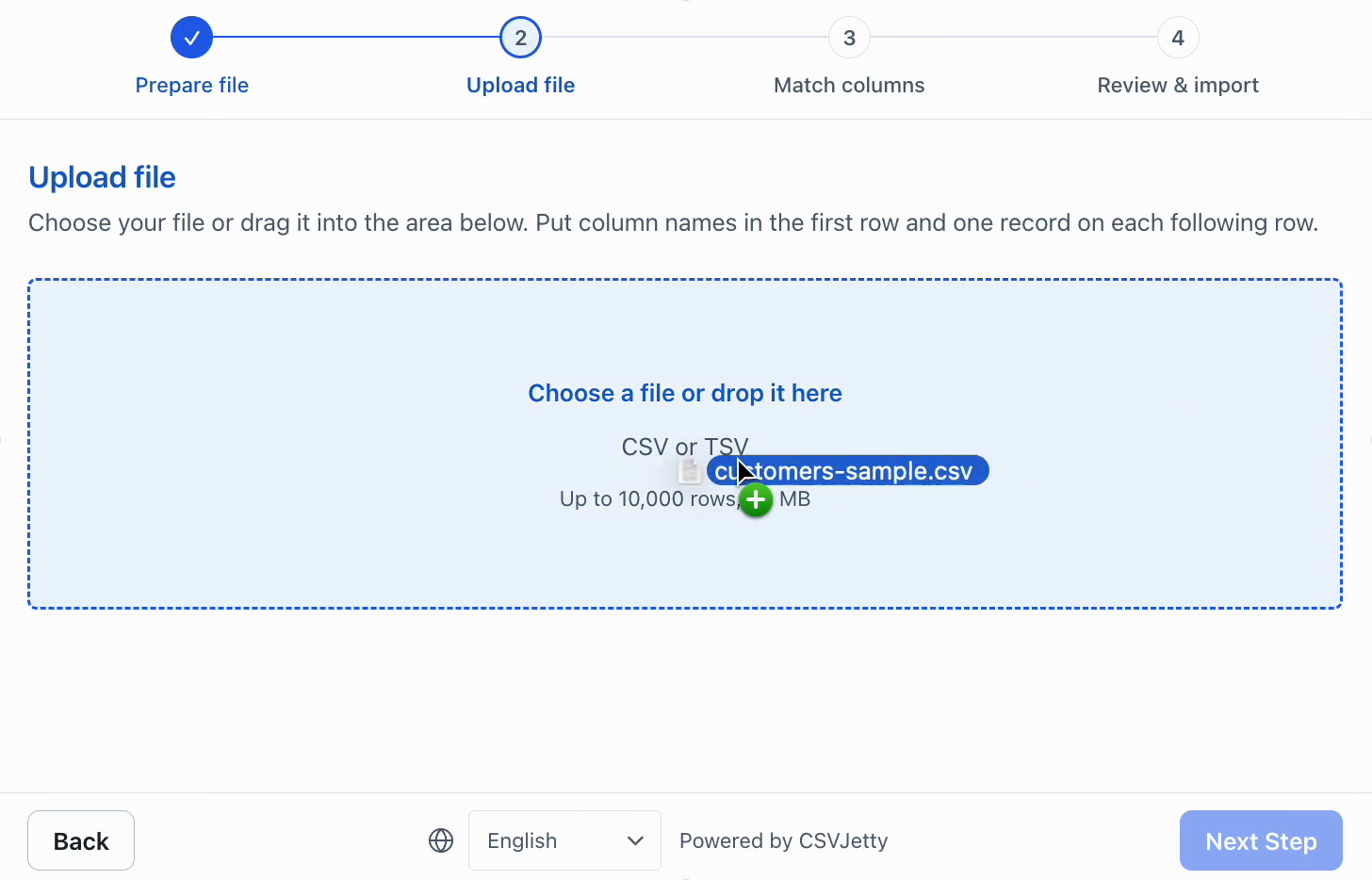
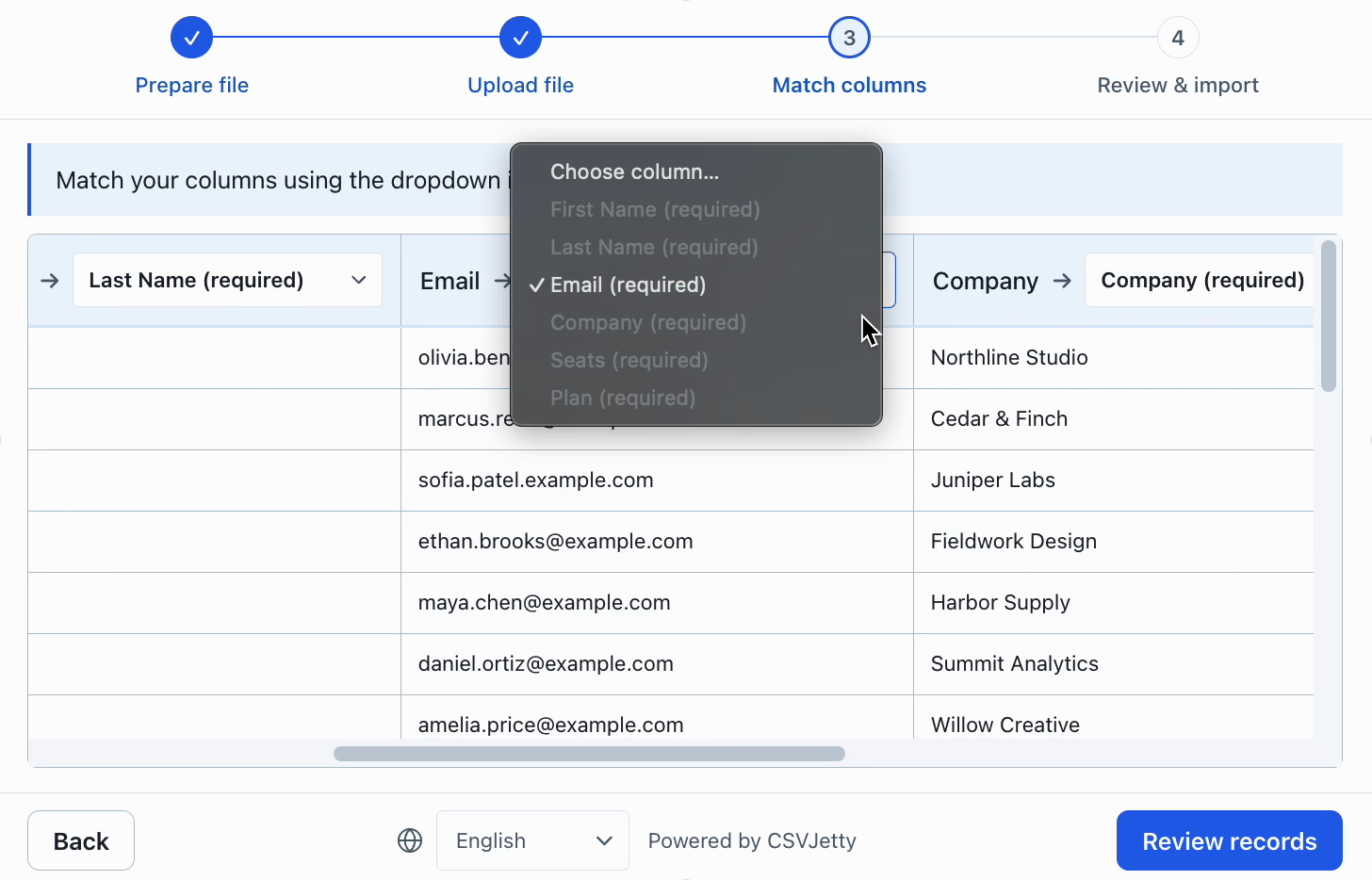
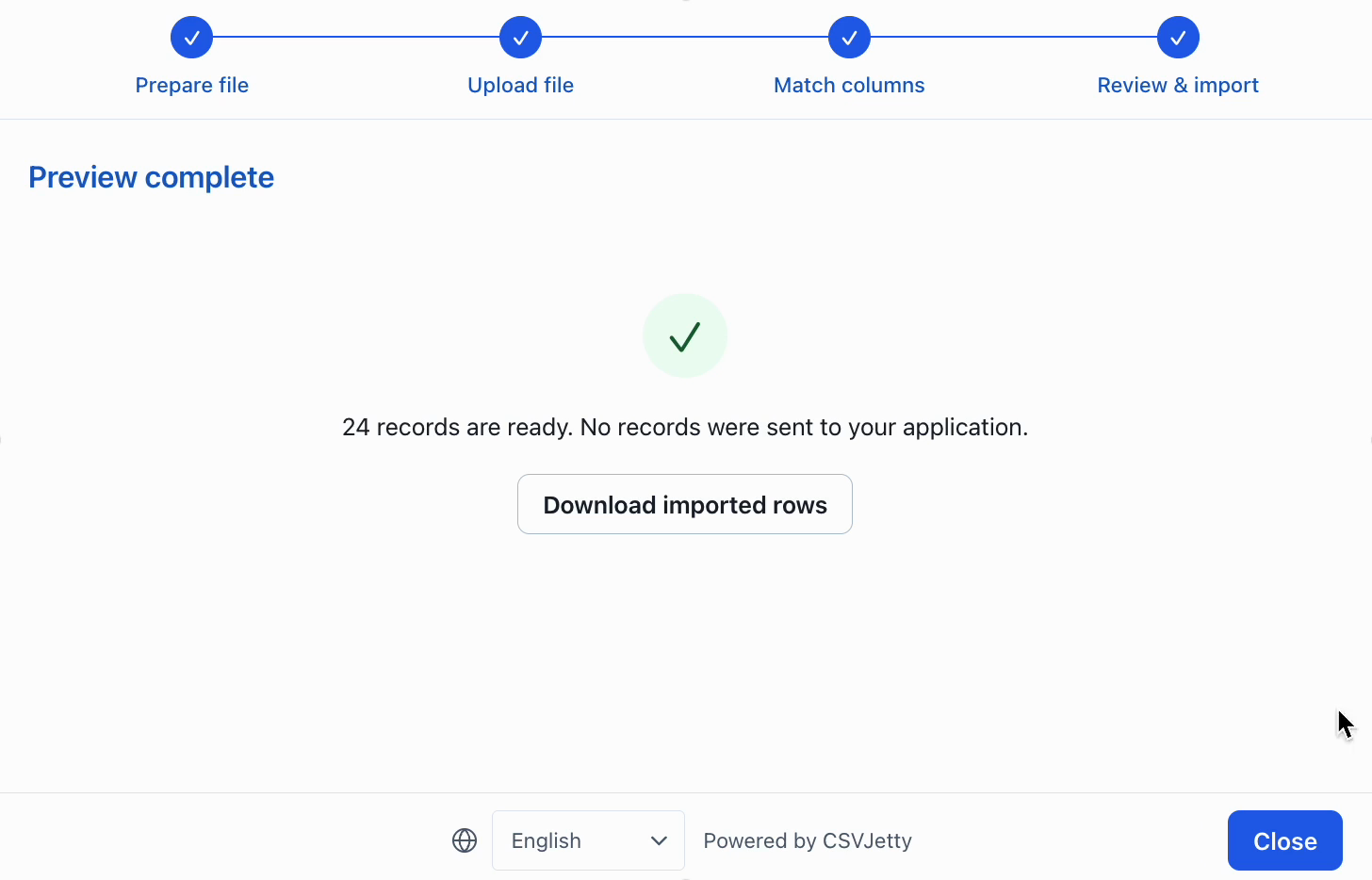
On an empty test account, import the clean sample and confirm three stored contacts. Repeat it and expect zero new inserts. Submit a request without a bearer token and expect HTTP 401. Submit an extra owner_id field and verify the stored owner still comes from the token. Force a database failure and confirm no inserts from that API request commit.
select owner_id, email, count(*)
from csvjetty_contacts
group by owner_id, email
having count(*) > 1;
The duplicate query should return no rows. Test the production deployment’s runtime settings and connection limit before enabling customer imports.
Resources
Troubleshoot persistence and retries
| Symptom | Check | Resolution |
|---|---|---|
| A conflict is not skipped | The onConflict target does not match a database unique constraint | Apply the migration first and match owner/email columns to the real constraint. |
| A retry repeats an inventory or counter change | The write is additive rather than idempotent | Use a delivery ledger or idempotency key for side effects; contact deduplication alone cannot make increments safe. |
Build your importer
Configure the fields your app expects, then connect CSVJetty to your application.
Create an importer →