Build a product catalog CSV importer with SKU validation
Import product catalogs from CSV with SKU mapping, exact price-to-cents conversion, whole-number inventory, owner-scoped writes and duplicate protection.
View as MarkdownDefine the product import contract
A catalog import must preserve product identity and represent prices consistently. This example inserts new products into an existing Supabase-backed React application. It uses owner plus SKU as the unique key, a single application-defined currency, integer cents and whole-number stock. Existing SKUs are kept. It does not update inventory, manage variants or synchronize a storefront.
CSVJetty supports React 18/19 and CSV files up to 20 MB. The free plan permits 10,000 rows per upload; paid permits 20,000. Configure at most 30 destination fields. Callback mode keeps row data out of CSVJetty servers while configuration and import metadata still use the hosted service. It is not a fully offline or self-hosted importer.
| Field | Import representation | Database representation |
|---|---|---|
| sku | Text, trimmed and uppercased | Unique per owner; leading zeroes preserved |
| name | Required text | Trimmed text up to 200 characters |
| price | Decimal text, such as 12.50 | Integer cents; no floating-point multiplication of a parsed decimal |
| stock | Nonnegative whole number | Integer quantity up to 1000000000 |
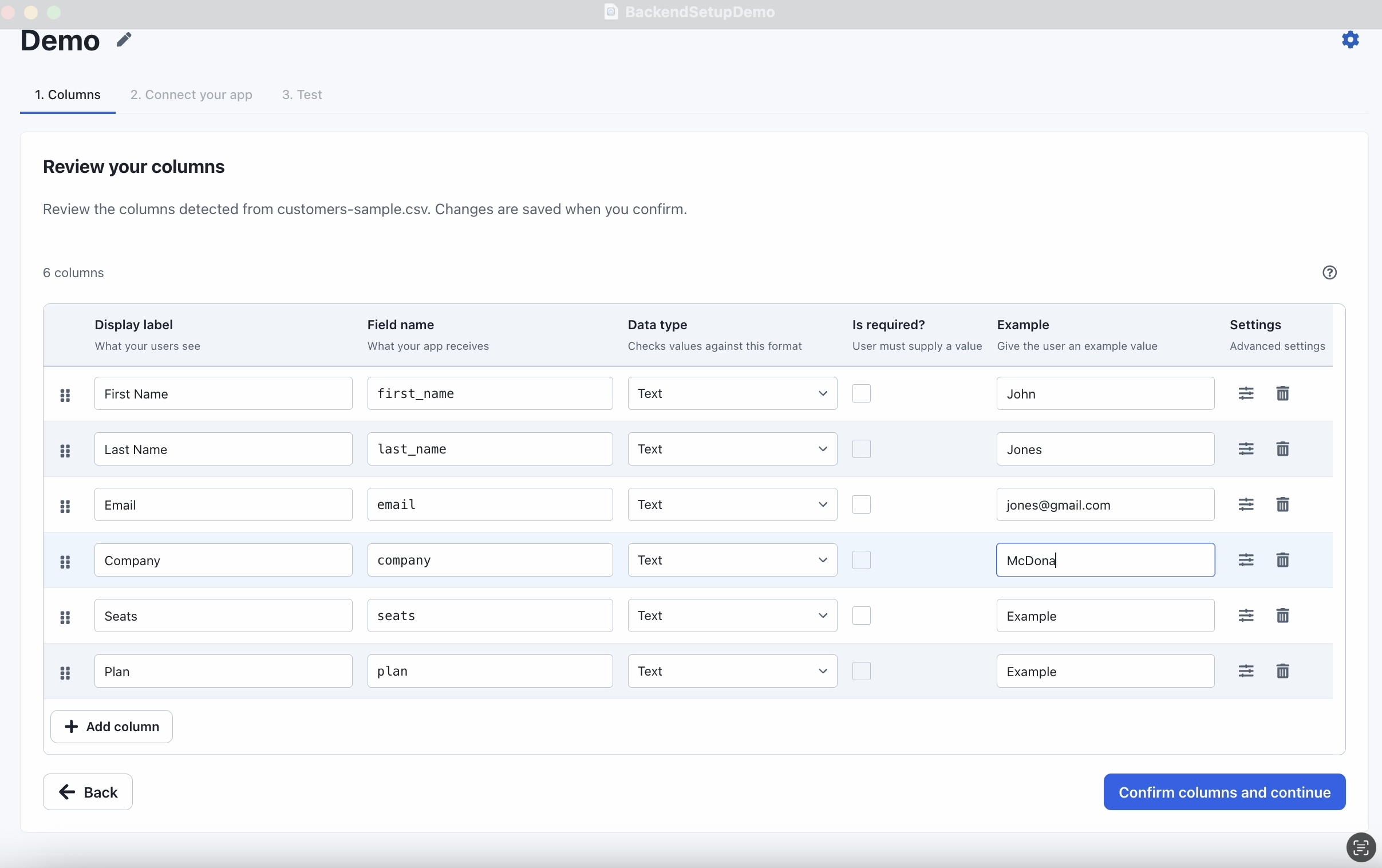
Configure the importer and download a template
Create an importer in the CSVJetty dashboard, choose OnData Callback, and copy its public importer key. Enable Require valid rows so customers must fix browser validation errors before delivery. Development Mode still calls your save handler; use test data and a test database. Dashboard preview does not deliver rows.
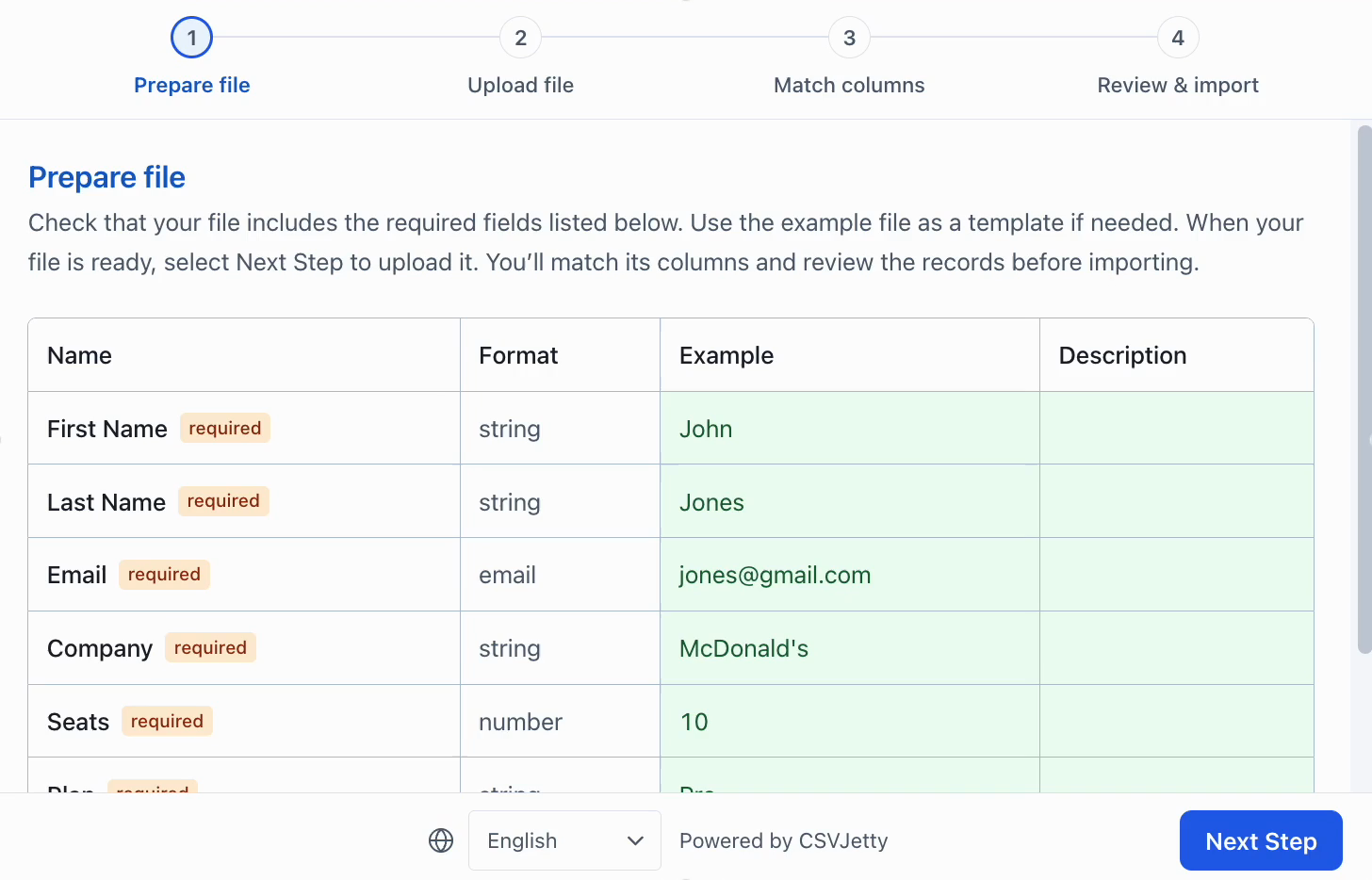
Keep SKU as text. A SKU such as 00123 must not become the number 123. Price is text so the example can reject currency symbols, exponent notation and more than two decimal places before conversion. The sample assumes a dot decimal separator and no thousands separator.
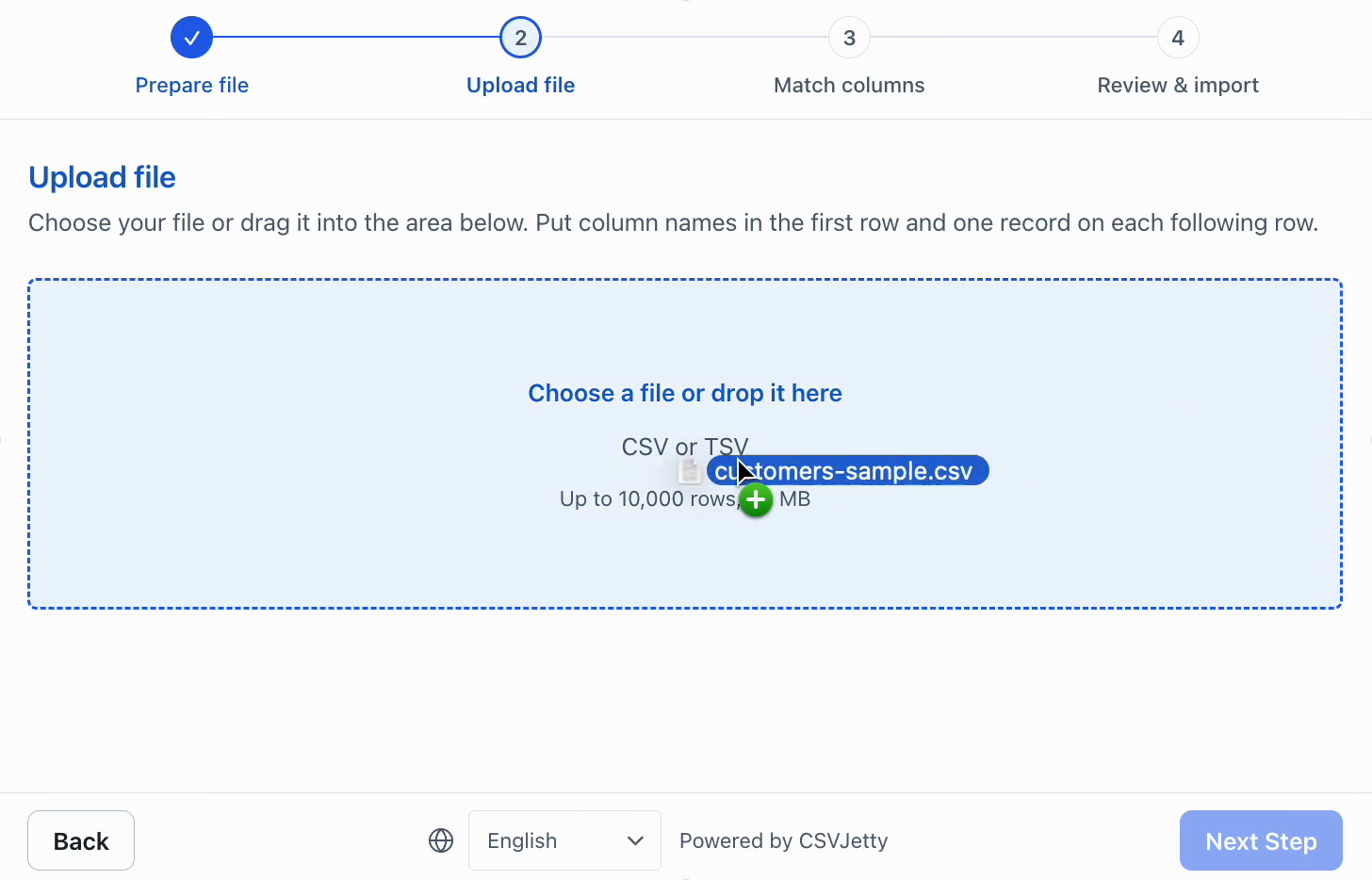
Product sample with duplicates and invalid values →
Create the owner-scoped product table
Run this migration in a development project. RLS isolates each user’s catalog. Database constraints enforce SKU format, price bounds and whole-number quantities. There is no UPDATE grant because this example preserves existing products.
File: sql/products.sql
create table public.csvjetty_products (
  id uuid primary key default gen_random_uuid(),
  owner_id uuid not null references auth.users(id) on delete cascade,
  sku text not null check (sku ~ '^[A-Z0-9][A-Z0-9_-]{0,63}$'),
  name text not null check (length(name) between 1 and 200 and name = btrim(name)),
  price_cents integer not null check (price_cents between 0 and 1000000000),
  stock integer not null check (stock between 0 and 1000000000),
  unique (owner_id, sku)
);
alter table public.csvjetty_products enable row level security;
revoke all on public.csvjetty_products from anon, authenticated;
grant select, insert on public.csvjetty_products to authenticated;
create policy "Read own catalog" on public.csvjetty_products
for select to authenticated using ((select auth.uid()) = owner_id);
create policy "Insert own products" on public.csvjetty_products
for insert to authenticated with check ((select auth.uid()) = owner_id);
Add the validators and complete component
npm install csvjetty @supabase/supabase-js
Download all example files (ZIP) →
File: components/csvjetty-example/ProductCatalogImport.jsx
"use client";
import { useState } from "react";
import CSVJetty from "csvjetty";
import { parseProduct } from "./product-validation";

export default function ProductCatalogImport({ supabase, importerKey = "YOUR_IMPORTER_KEY" }) {
  const [status, setStatus] = useState("");
  return (
    <section>
      <h2>Add products to your catalog</h2>
      <CSVJetty
        importerKey={importerKey}
        accentColor="#2563eb"
        columns={[
          { name: "sku", label: "SKU", type: "text", required: true,
            validate: value => /^[A-Z0-9][A-Z0-9_-]{0,63}$/i.test(String(value).trim()) || "Enter a valid SKU." },
          { name: "name", label: "Product name", type: "text", required: true },
          { name: "price", label: "Price", type: "text", required: true,
            validate: value => /^\d{1,8}(\.\d{1,2})?$/.test(String(value).trim()) || "Use a price such as 12.50." },
          { name: "stock", label: "Stock", type: "number", required: true },
        ]}
        onData={async ({ rows, rowNumbers }) => {
          const { data: { user }, error: authError } = await supabase.auth.getUser();
          if (authError || !user) throw new Error("Sign in before importing.");
          const errors = [];
          let inserted = 0;
          for (let offset = 0; offset < rows.length; offset += 250) {
            const unique = new Map();
            rows.slice(offset, offset + 250).forEach((row, index) => {
              try {
                const product = parseProduct(row);
                if (!unique.has(product.sku)) unique.set(product.sku, { ...product, owner_id: user.id });
              } catch (issue) {
                errors.push({ row: rowNumbers[offset + index], message: issue.message });
              }
            });
            if (!unique.size) continue;
            const { data, error } = await supabase.from("csvjetty_products")
              .upsert([...unique.values()], { onConflict: "owner_id,sku", ignoreDuplicates: true })
              .select("id");
            if (error) throw new Error("Could not save this batch. Earlier batches may already be saved; retry to insert missing SKUs.");
            inserted += data.length;
          }
          setStatus(`Last acknowledged callback: ${inserted} new products, ${errors.length} rejected rows. Existing SKUs were kept.`);
          return { errors };
        }}
      >Import product CSV</CSVJetty>
      <p role="status">{status}</p>
    </section>
  );
}
File: components/csvjetty-example/product-validation.js
export function parseProduct(row) {
  const sku = typeof row?.sku === "string" ? row.sku.trim().toUpperCase() : "";
  const name = typeof row?.name === "string" ? row.name.trim() : "";
  const price = String(row?.price ?? "").trim();
  const quantity = String(row?.stock ?? "").trim();
  if (!/^[A-Z0-9][A-Z0-9_-]{0,63}$/.test(sku)) throw new Error("Use a SKU of 1–64 letters, digits, underscores or hyphens.");
  if (!name || name.length > 200) throw new Error("Enter a product name up to 200 characters.");
  if (!/^\d{1,8}(\.\d{1,2})?$/.test(price)) throw new Error("Use a nonnegative decimal price, for example 12.50, without currency symbols.");
  const [whole, decimal = ""] = price.split(".");
  const priceCents = Number(whole) * 100 + Number(decimal.padEnd(2, "0"));
  if (priceCents > 1000000000) throw new Error("Price must be at most 10000000.00.");
  if (!/^\d{1,10}$/.test(quantity) || Number(quantity) > 1000000000) throw new Error("Stock must be a whole number from 0 to 1000000000.");
  return { sku, name, price_cents: priceCents, stock: Number(quantity) };
}
Render ProductCatalogImport inside your existing browser screen and pass the signed-in Supabase client plus the public CSVJetty importer key. Reuse the existing authentication setup. Custom validators are synchronous; any database lookup belongs in delivery logic. The database remains authoritative if a caller bypasses the UI.
Map exported headings to product fields
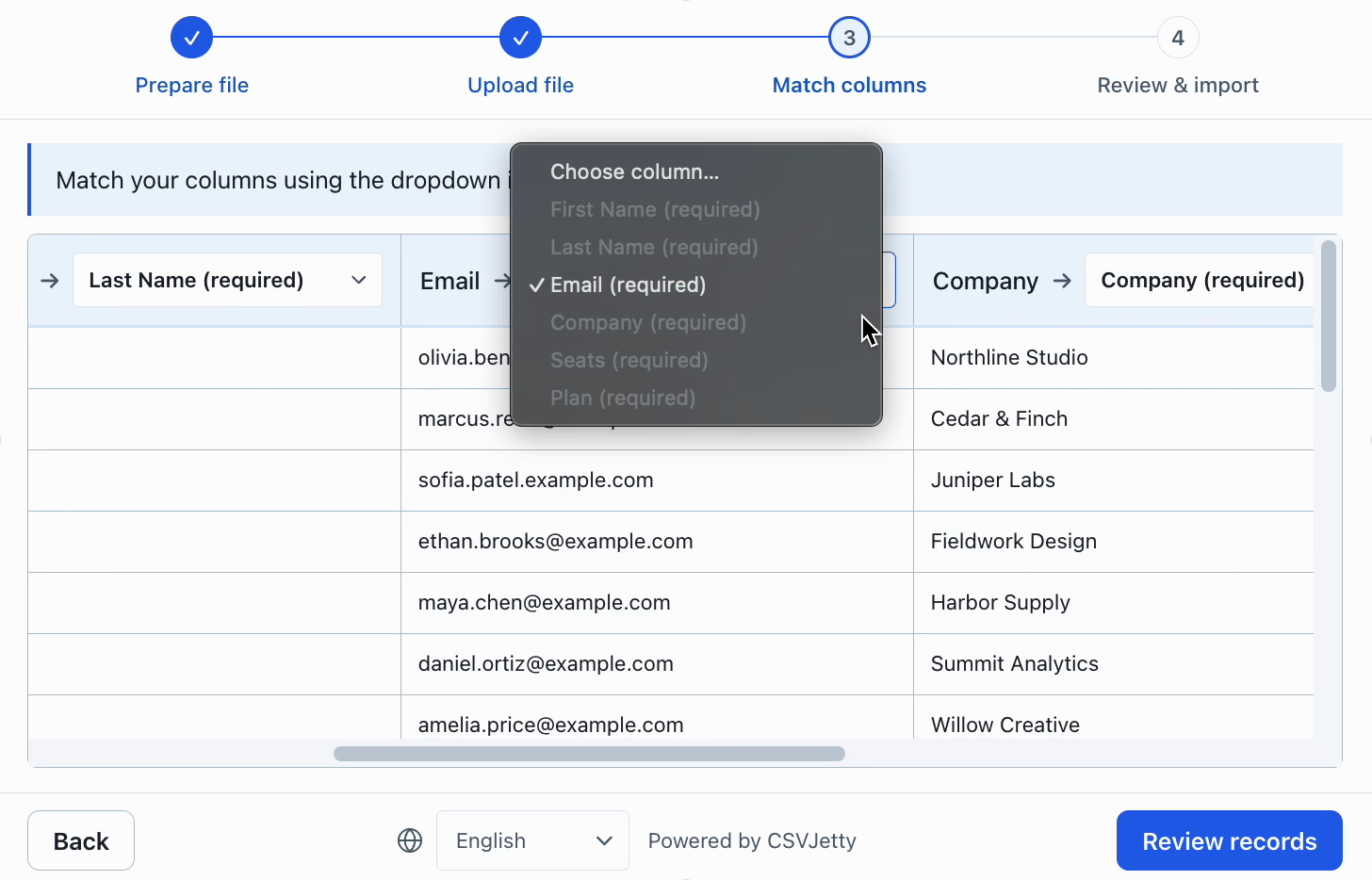
For the provided CSV, map SKU to sku, Product name to name, Price to price and Stock to stock. The screenshot shows the contact demo’s headings, not a separate product screenshot. For real customer exports, configure aliases for known headings such as Item Code or Unit Price, and require users to confirm ambiguous matches.
Correct values before writing
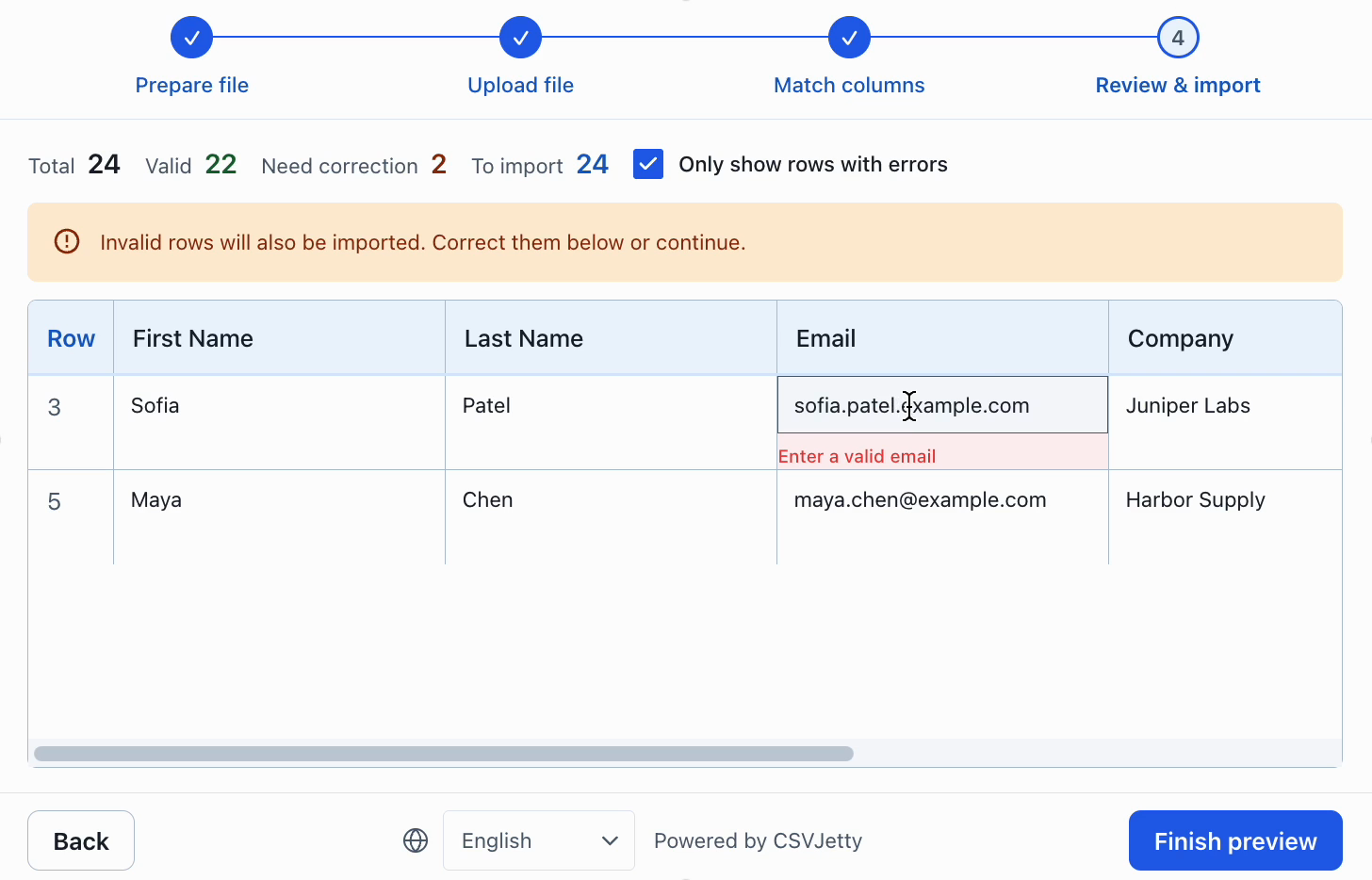
In the invalid sample, remove the dollar symbol from $8.99 and change the fractional stock value 2.5 to the intended whole quantity. Resolve these source-data decisions before importing. The parser converts a valid price by separating dollars and fractional digits, so 12.50 becomes exactly 1250 cents.
The helper deduplicates within each 250-row chunk and the database unique key handles conflicts across chunks and files. If a later chunk fails, earlier chunks remain committed. Retrying inserts missing SKUs without replacing products already stored. A future stock-adjustment workflow needs an idempotency ledger; incrementing stock on every retry would be unsafe.
Verify SKU identity and stored prices
Start with an empty test account. The clean file should insert three products. Verify that SKU 00123 still has its leading zeroes and price_cents is 1250. Repeat the file and expect zero additional products. With the invalid sample corrected, existing SKUs should remain unchanged. Test another user’s account to verify ownership isolation.
select sku, name, price_cents, stock
from public.csvjetty_products
where owner_id = auth.uid()
order by sku;
Run that query in an authenticated database context, or filter by the known test user ID in the admin SQL editor. auth.uid() is normally null in an unimpersonated admin session.
Resources
Build your importer
Configure the fields your app expects, then connect CSVJetty to your application.
Create an importer →