CSVJetty vs. Flatfile: importer or data onboarding platform?
Compare CSVJetty and Flatfile for React CSV imports, collaborative data onboarding, workflow architecture, pricing, and delivery.
View as MarkdownStart with the scope of the job
Choose CSVJetty for an embedded CSV upload, mapping and correction step in an existing React application. Evaluate Flatfile for collaborative data preparation and migration workflows that extend beyond a single customer import. This is a scope decision before it is a component comparison.
Application import versus broader workflows
| Requirement | CSVJetty | Flatfile |
|---|---|---|
| Primary workflow | Embedded CSV import with application-owned persistence | Data onboarding with workbooks, collaboration and workflow orchestration |
| Files | CSV, up to 20 MB; paid row limit 20,000 | CSV and additional formats through its platform and extractors |
| Integration model | React component; browser onData callback or signed webhook | Embeddable SDKs and event-driven developer platform |
| Validation | Ten field types, required values, synchronous custom validators | Record hooks and configurable transformation workflows |
| Team data preparation | Customer review table; no collaborative workbook workflow documented | Collaborative editing and multi-step approvals |
| Pricing | Free: 100 imports/month, 10,000 rows/upload. Paid: $9/month, 500 imports/month, 20,000 rows/upload. | Project-volume pricing; contact sales for a quote |
Source: Flatfile pricing and collaboration →
Decide who owns the workflow
With CSVJetty, your application receives prepared records and owns the save operation. That suits an existing contacts API, Supabase integration or Prisma service. The importer does not create an authorization model, resolve tenant membership or decide whether existing records should be updated.
Flatfile exposes a broader event-driven platform and React embedding. It is not restricted to an external admin portal. If your existing integration uses platform events, extractors or shared workbooks, replacing the visual uploader alone will not replace that workflow.
Source: Flatfile React embedding →
CSVJetty callback delivery keeps imported row data out of CSVJetty servers. Configuration and import metadata still use the hosted service. Webhook delivery routes records through CSVJetty. The npm wrapper’s MIT license does not make the hosted importer offline or self-hosted.
What CSVJetty covers
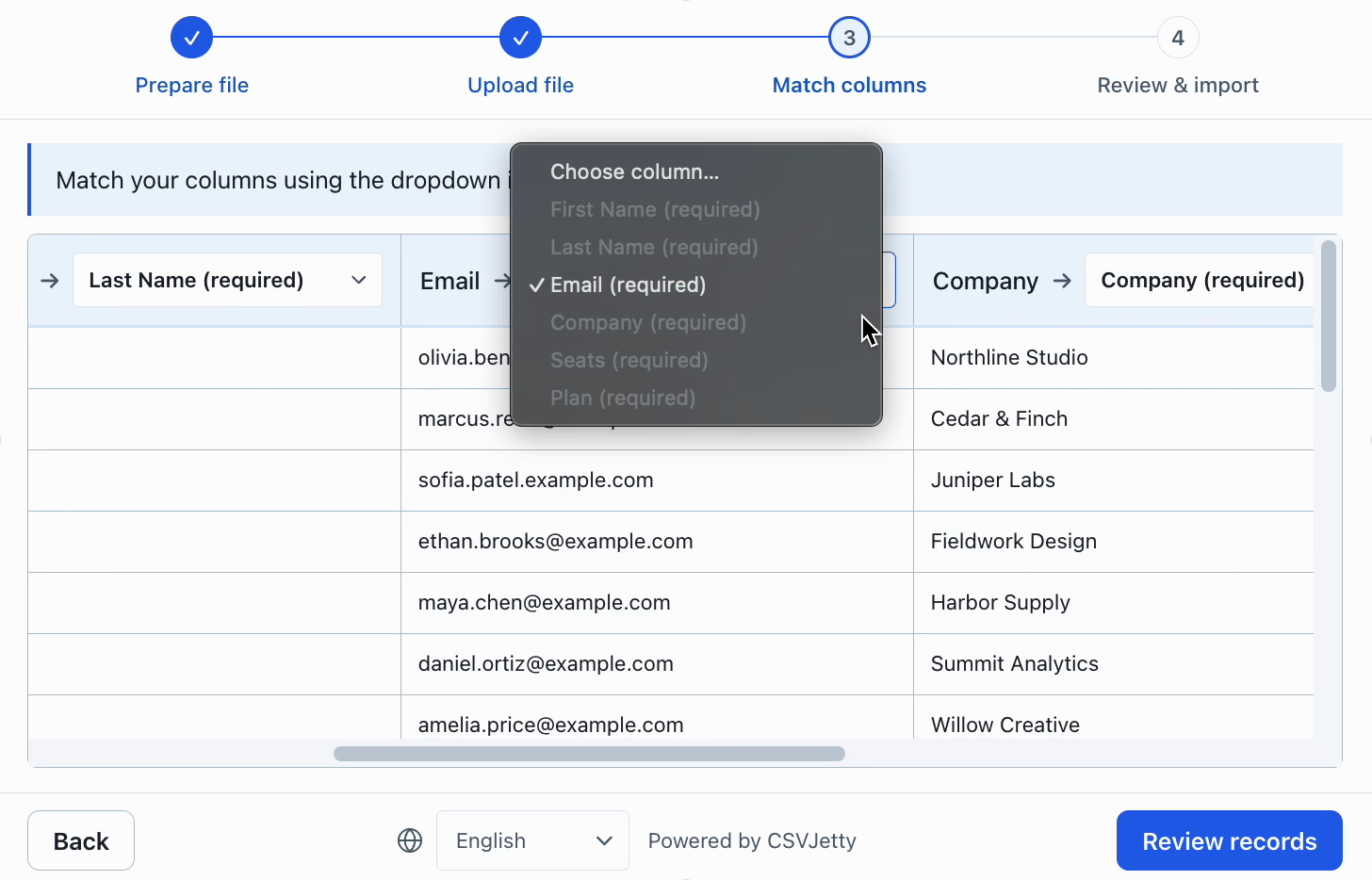
The built-in flow covers upload, mapping, validation and inline correction. It does not claim feature parity with a collaborative migration platform. For a single CSV upload into an existing application, test whether those four steps cover the actual requirement.
Try the CSVJetty integration
Before moving from Flatfile, inventory the listeners, transformations, extractors and approvals used by your current workflow. Keep the existing platform if those dependencies are central, or replace them explicitly in application code.
Install csvjetty with npm, pnpm, or your existing package manager. Create an importer in the dashboard and select OnData Callback. Pass its public importerKey to the default CSVJetty export and handle onData({ rows }). Keep your existing save endpoint, authentication and tenant authorization. A successful callback means data was delivered to your code; your application must still confirm persistence.
Complete React example and authenticated saving →
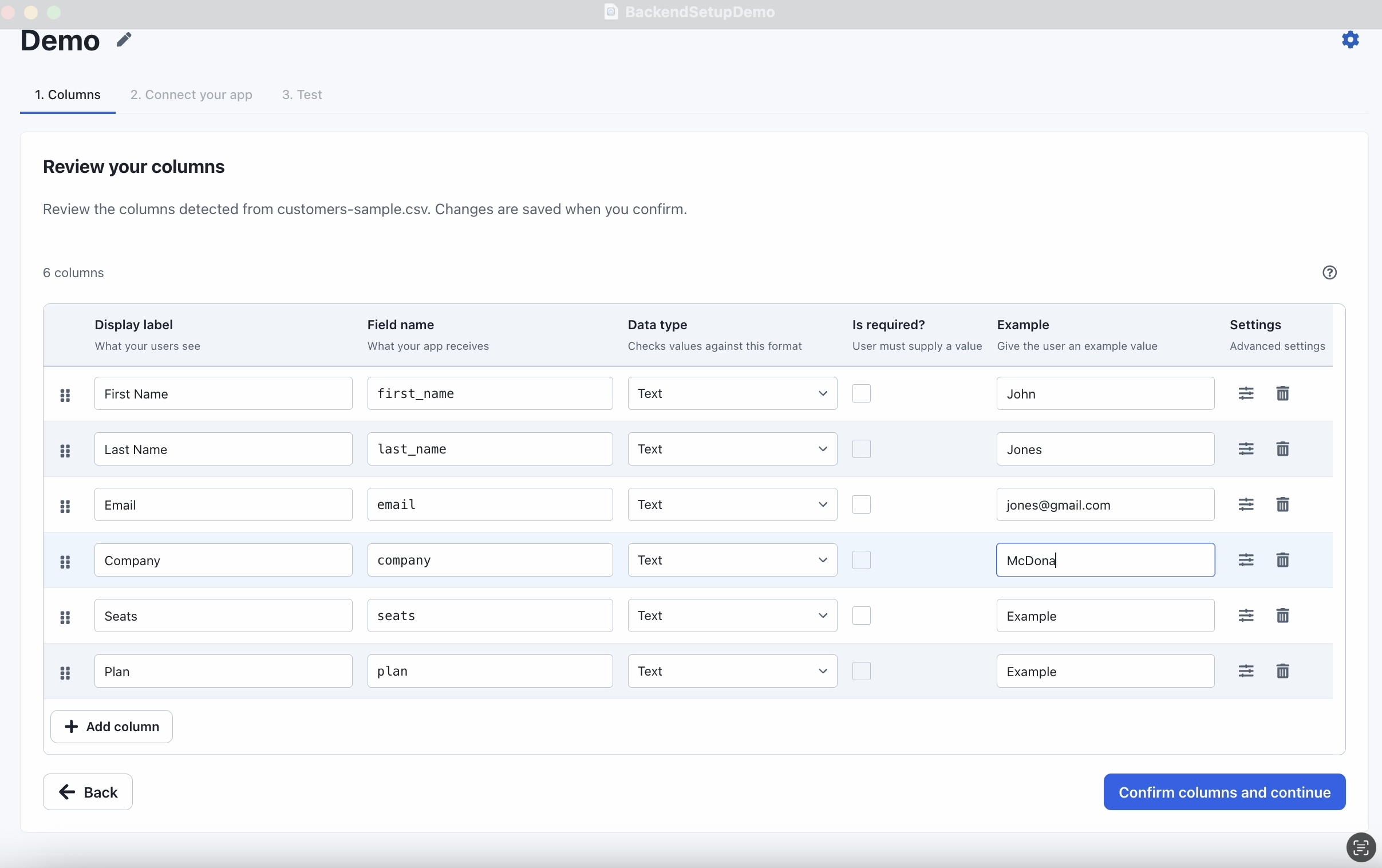
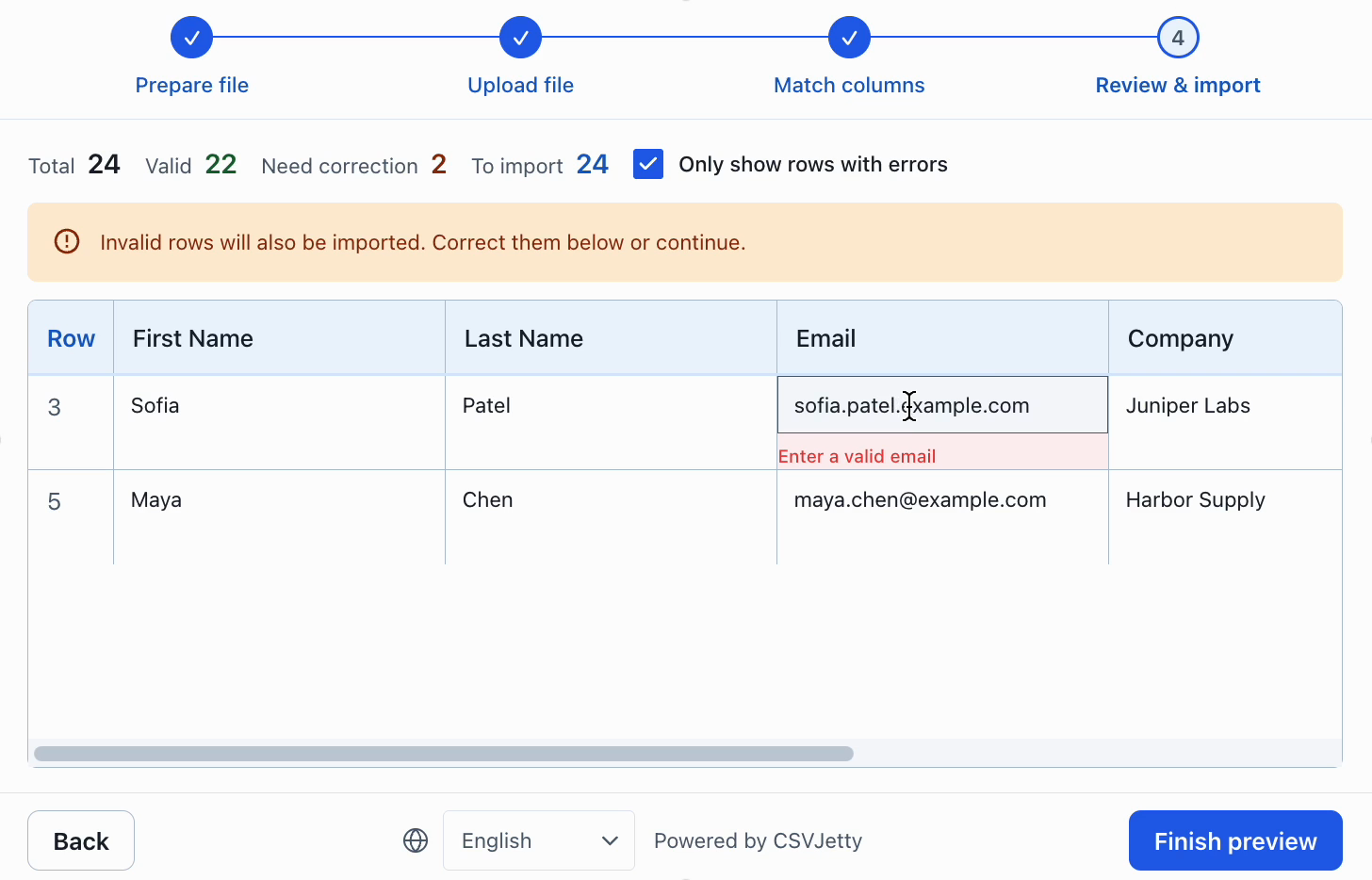
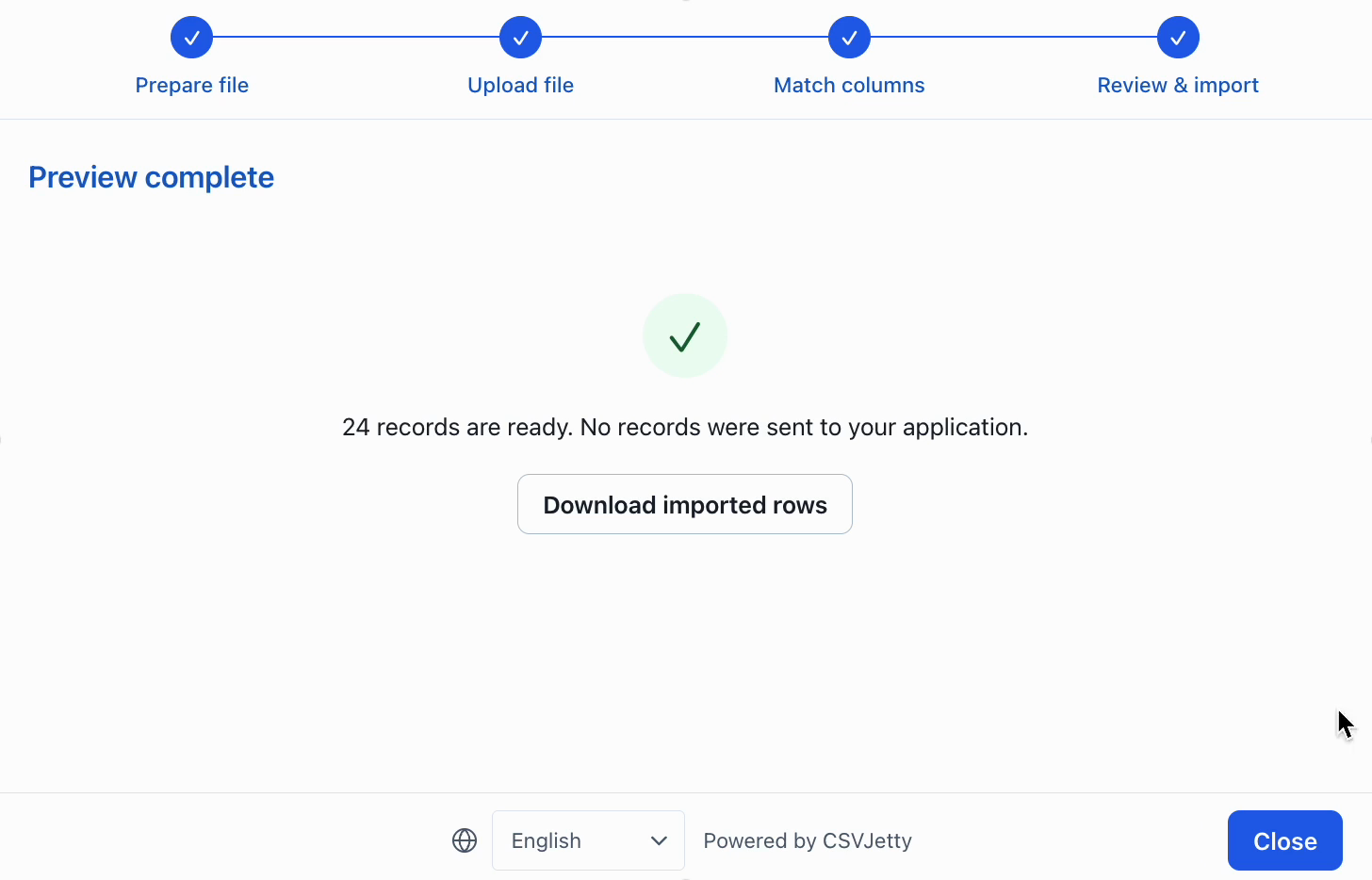
Inspect configuration, correction and preview
Resources
Make the decision against your own import requirements
For a team deciding between a focused CSV flow and broader data onboarding, begin with a representative customer file rather than a feature count. Compare multi-file onboarding, operational tooling, implementation scope and total cost. Use the same valid file, malformed values, renamed headers and duplicate identifiers in each evaluation.
Choose CSVJetty when its hosted React workflow, CSV-only format, current file and row limits, and application-owned persistence fit the job. If a required capability falls outside those boundaries, verify the alternative directly. A cheaper monthly plan does not compensate for a missing required format or an incompatible delivery architecture.
Before migrating, record the current destination field names, aliases, validation rules, invalid-row policy and save-handler contract. Recreate the schema, test row-level errors, and verify both retry behavior and repeat-file duplicate handling. Run the replacement against a test database before switching customers.
Build your importer
Configure the fields your app expects, then connect CSVJetty to your application.
Create an importer →